
Chapter 10: Animate from Animated Storytelling, by Liz Baker, emphasizes that strong animation starts with strong discipline. Creating a calendar and working backward from deadlines keeps projects manageable, while consistent saving, organized file naming, and backing up work protect you from avoidable disasters. Starting with your most fun and easiest scenes builds momentum and confidence, making it easier to tackle more complex shots in smaller, manageable pieces. The chapter also stresses becoming a ruthless editor… every shot must serve the story and never overstay its welcome.
On the creative side, successful animation depends on strong key poses, along with anticipation and follow-through to prevent movement from feeling stiff or robotic. Directional movement, varied shot lengths, and changes in timing help maintain visual interest and emotional intensity, while avoiding overly centered compositions keeps sequences dynamic. Subtle enhancements like blur, grain, or vignette can add depth and realism to otherwise flat visuals. Finally, sound is a powerful storytelling partner, hit your sound cues and let audio influence pacing, but also test your scenes in silence. If the visuals can’t stand on their own, they’re not strong enough yet.
I strongly relate to the emphasis on saving and backing up work, as I have previously lost portions of projects due to technical issues. Because of those experiences, I now prioritize staying organized and carefully naming files to avoid confusion, especially when trying to locate a “final” version. In my own UI satisfaction scale project, I applied the strategy of starting with simpler animation elements and gradually progressing to more complex ones. I also incorporated shadows, blur, gradients, and glow effects to create a stronger sense of depth within the otherwise two-dimensional interface.
UI Animation Research
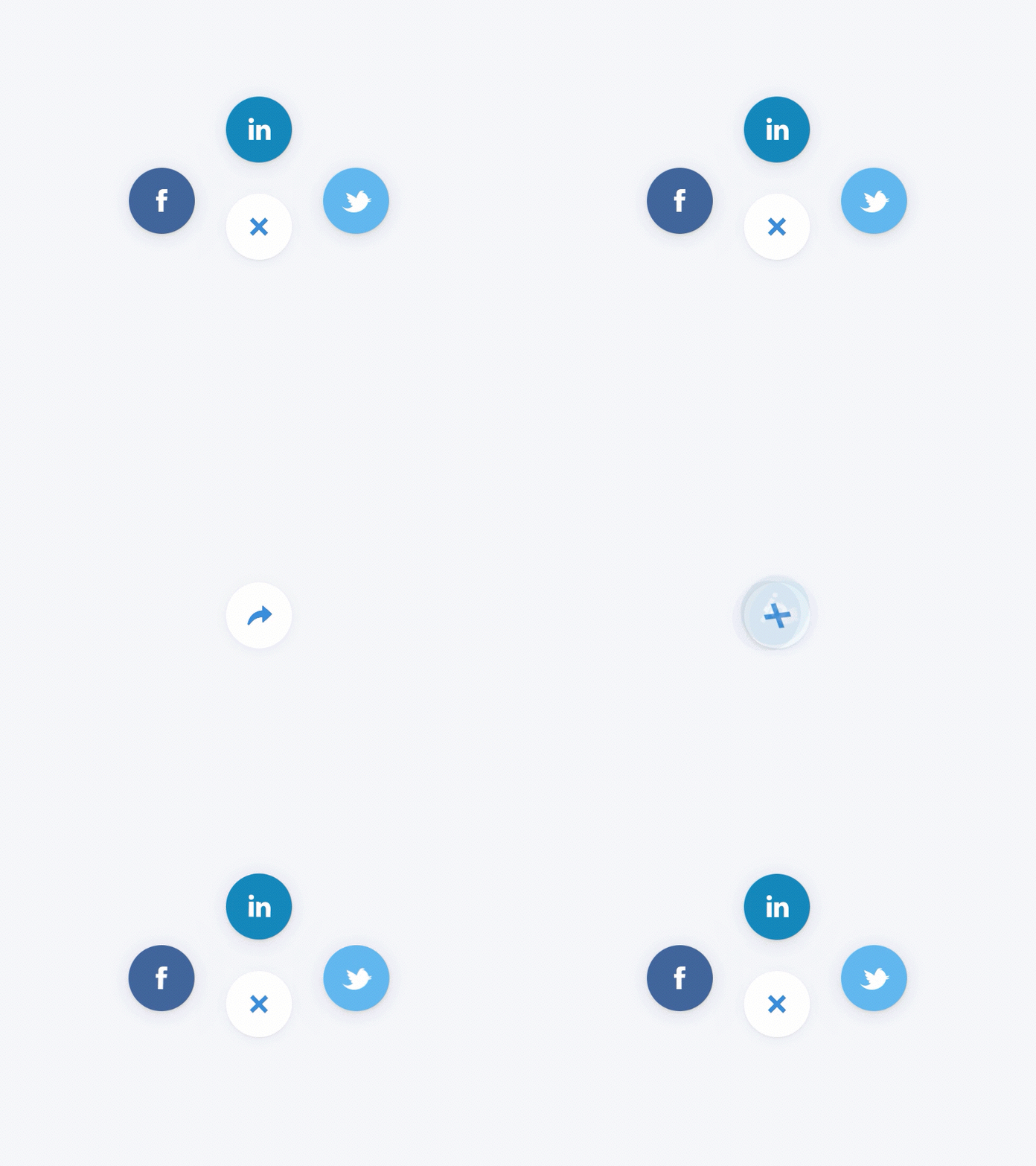
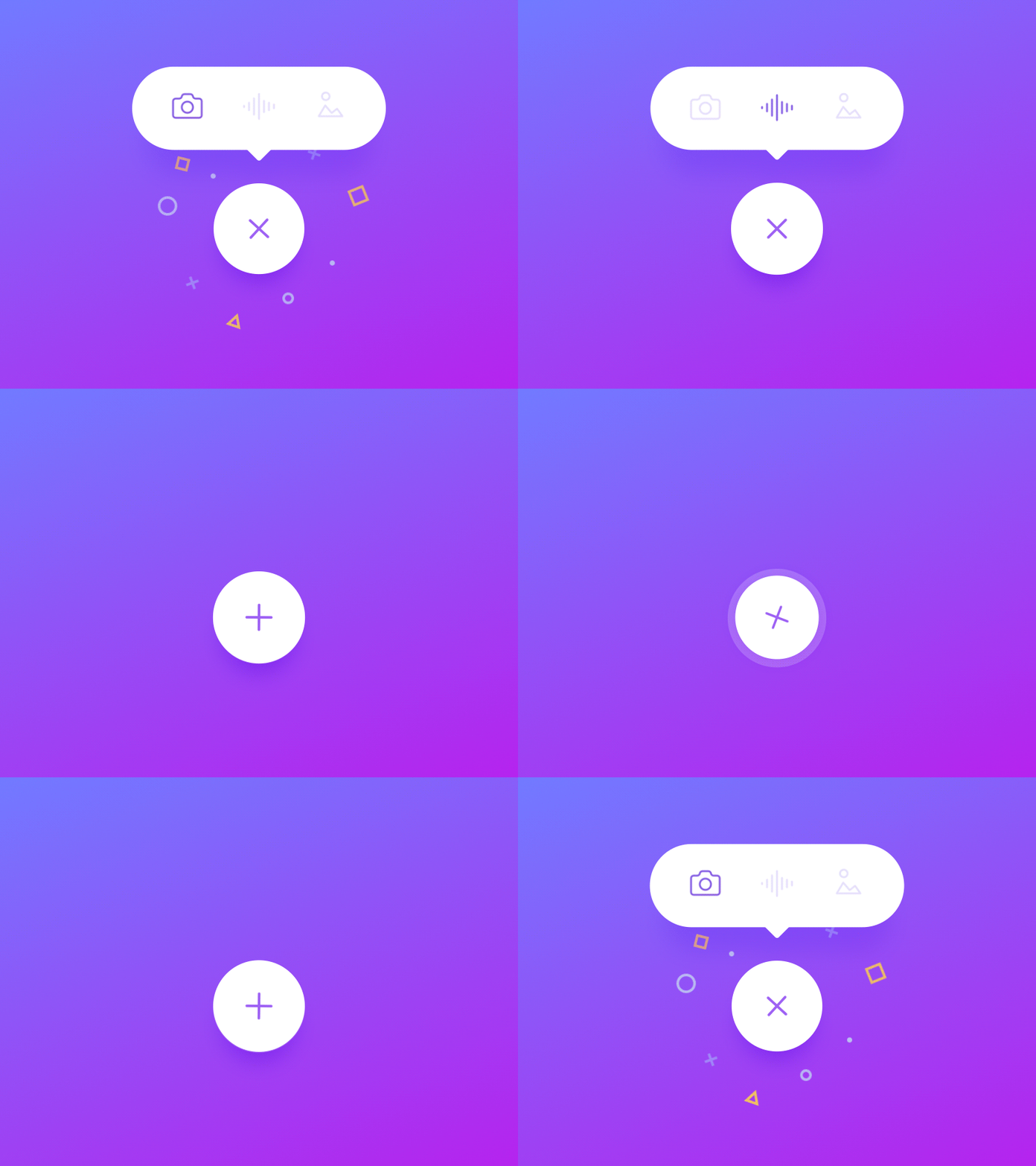
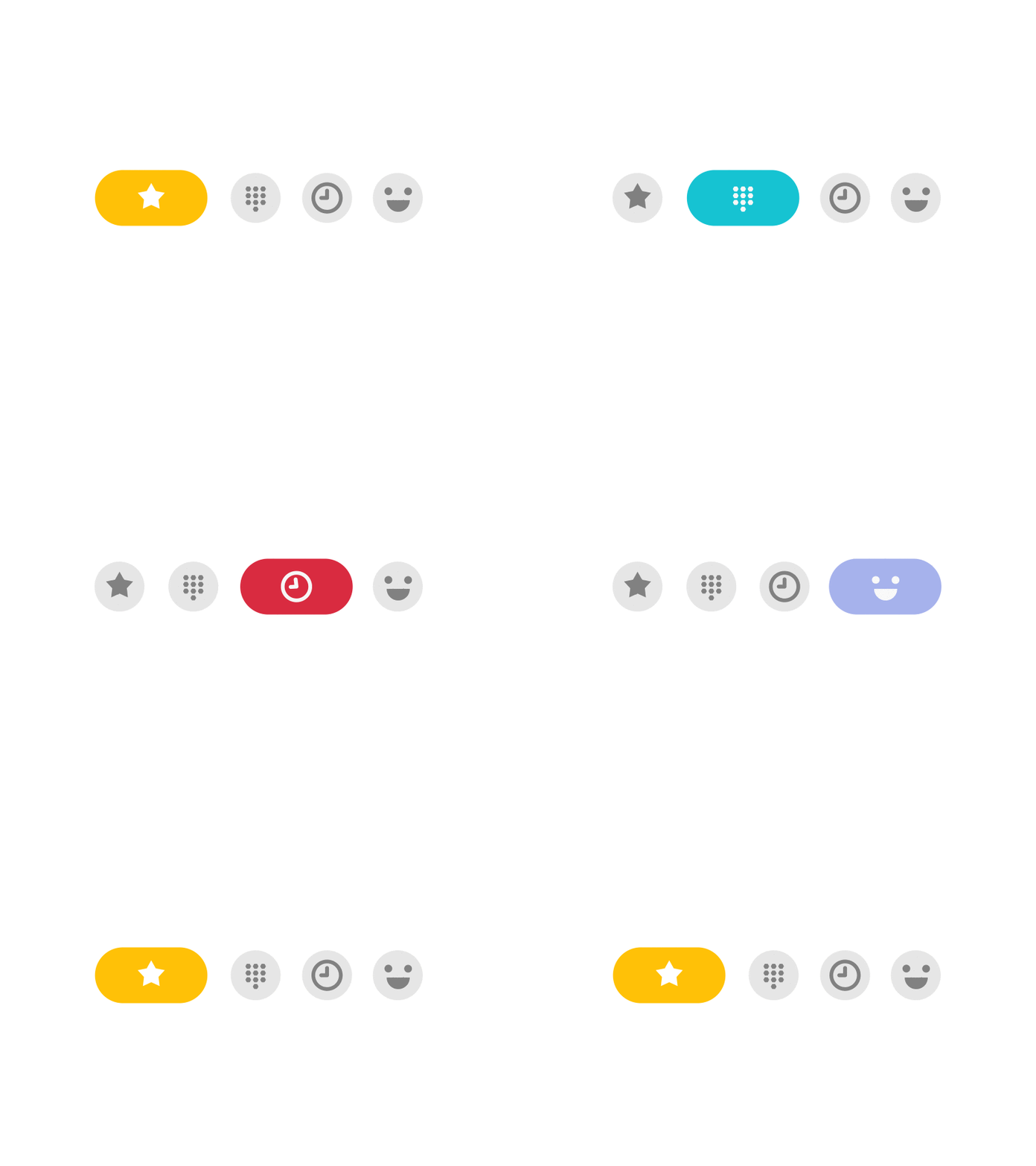
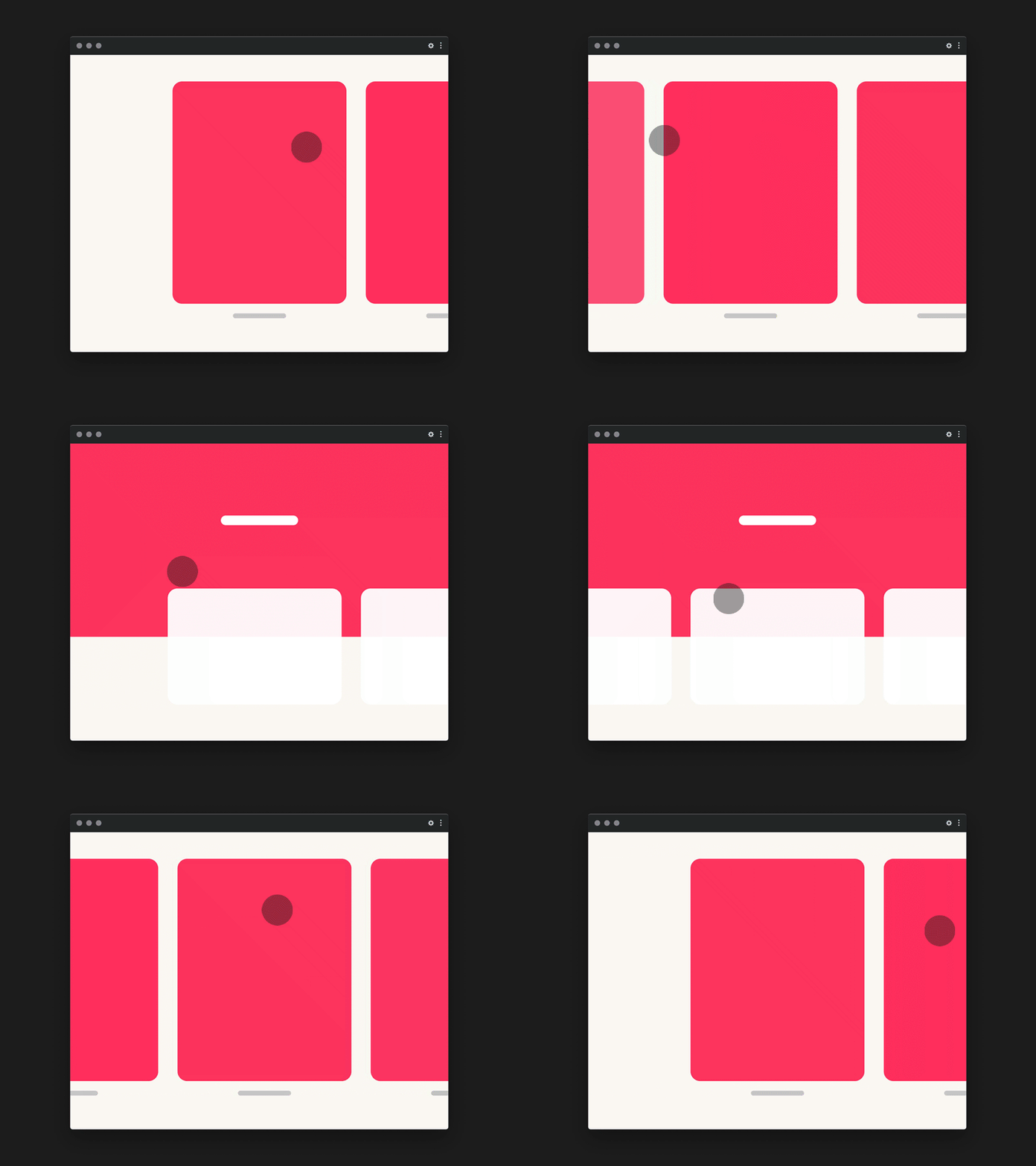
The selected examples represent a broad range of UI animation types from microinteractions and toggles to sliders, menus, and feedback states. Studying these variations before final production is essential to evaluate clarity, usability, timing, and overall effectiveness in motion. Many of these examples successfully apply multiple principles of animation, such as anticipation, follow-through, easing, and timing, which contribute to their natural, intuitive feel. They also demonstrate strong hierarchy, clear active states, and purposeful motion. Reviewing this range of approaches helped inform decisions about movement, depth, and feedback in my own project to ensure the final interaction felt intentional and user-centered rather than arbitrary.






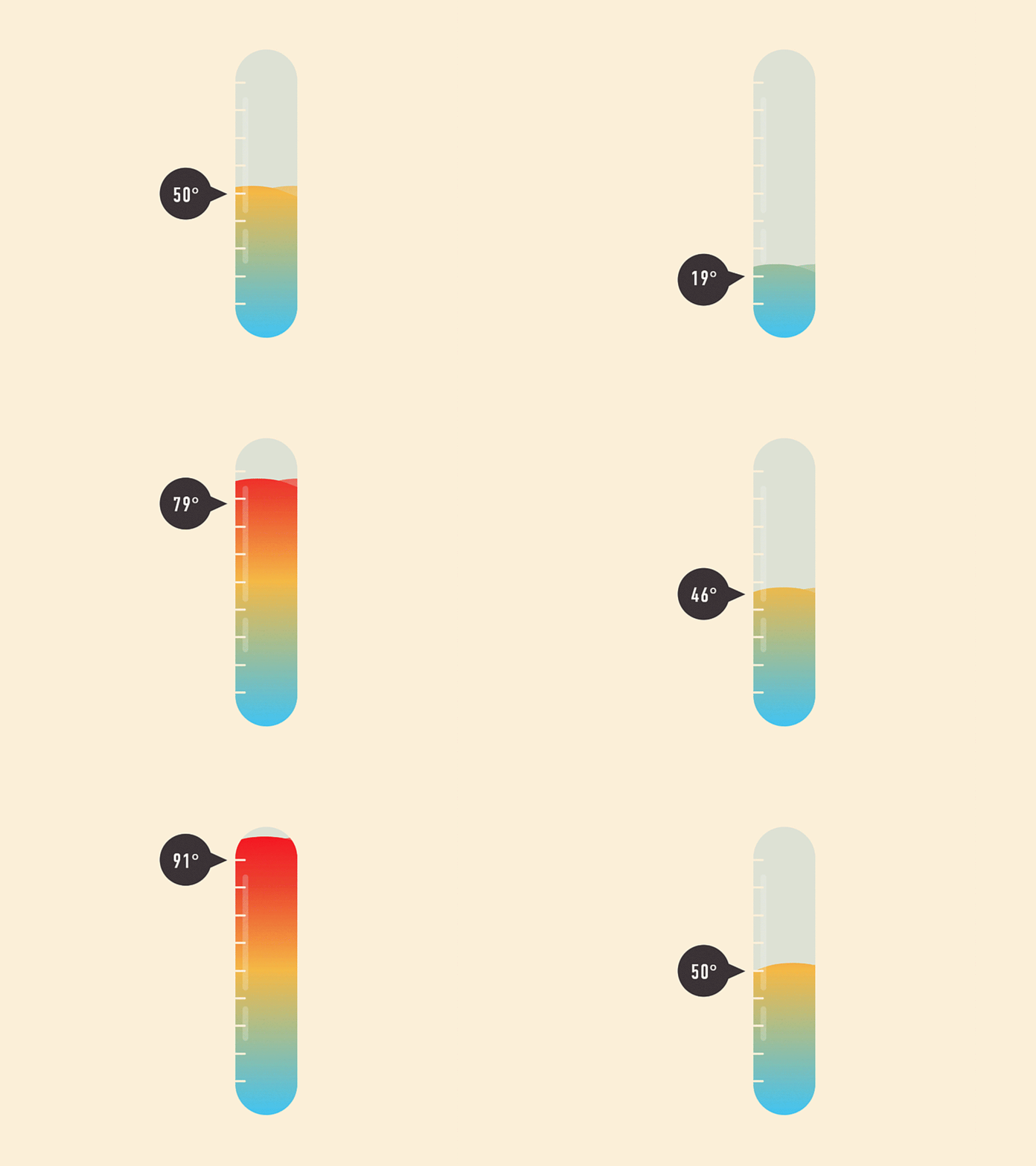

UI Customer Satisfaction Scale
Typical Customer Satisfaction Score (CSAT) – a field research method used to measure people’s attitudes and opinions about a product or service.
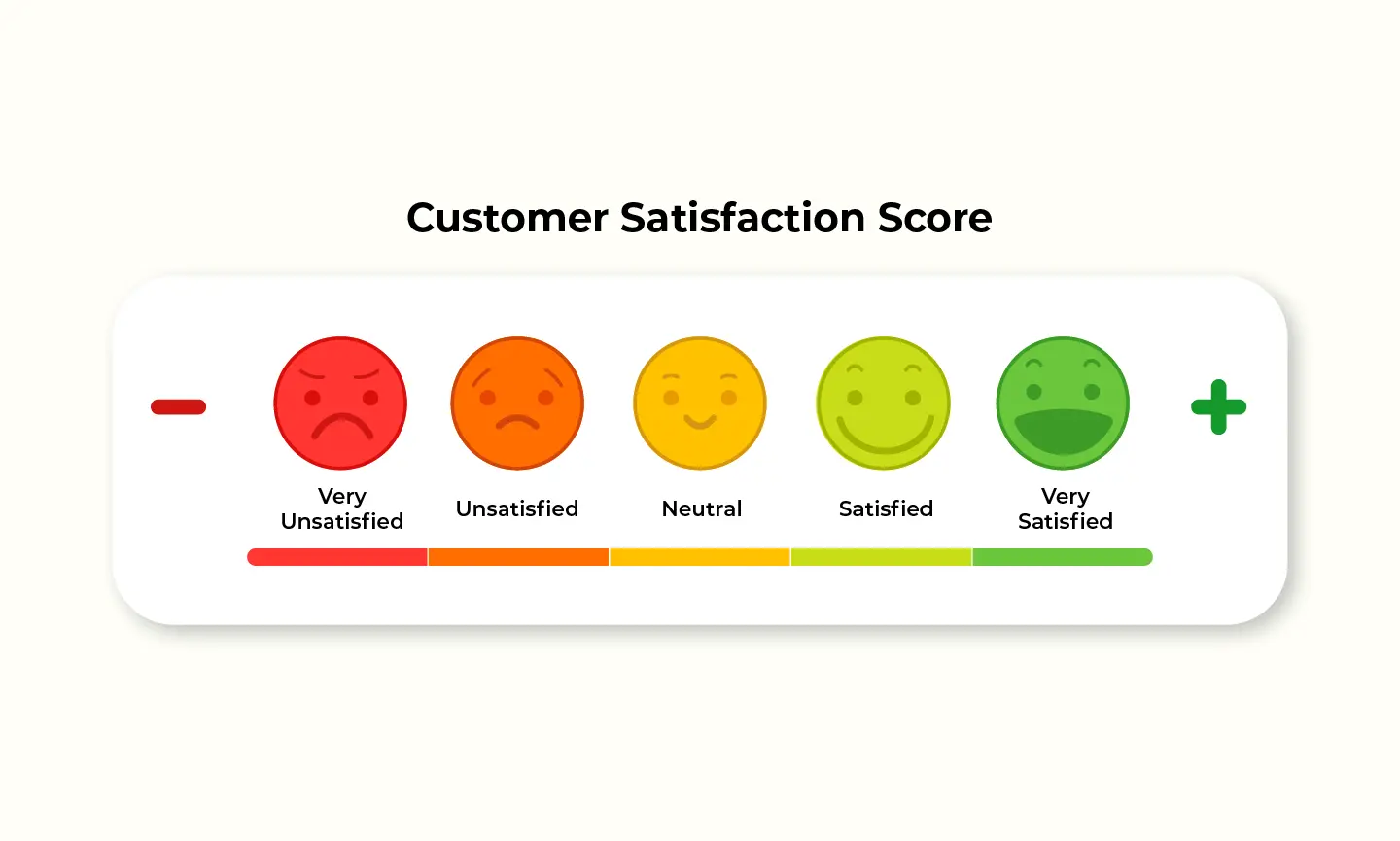
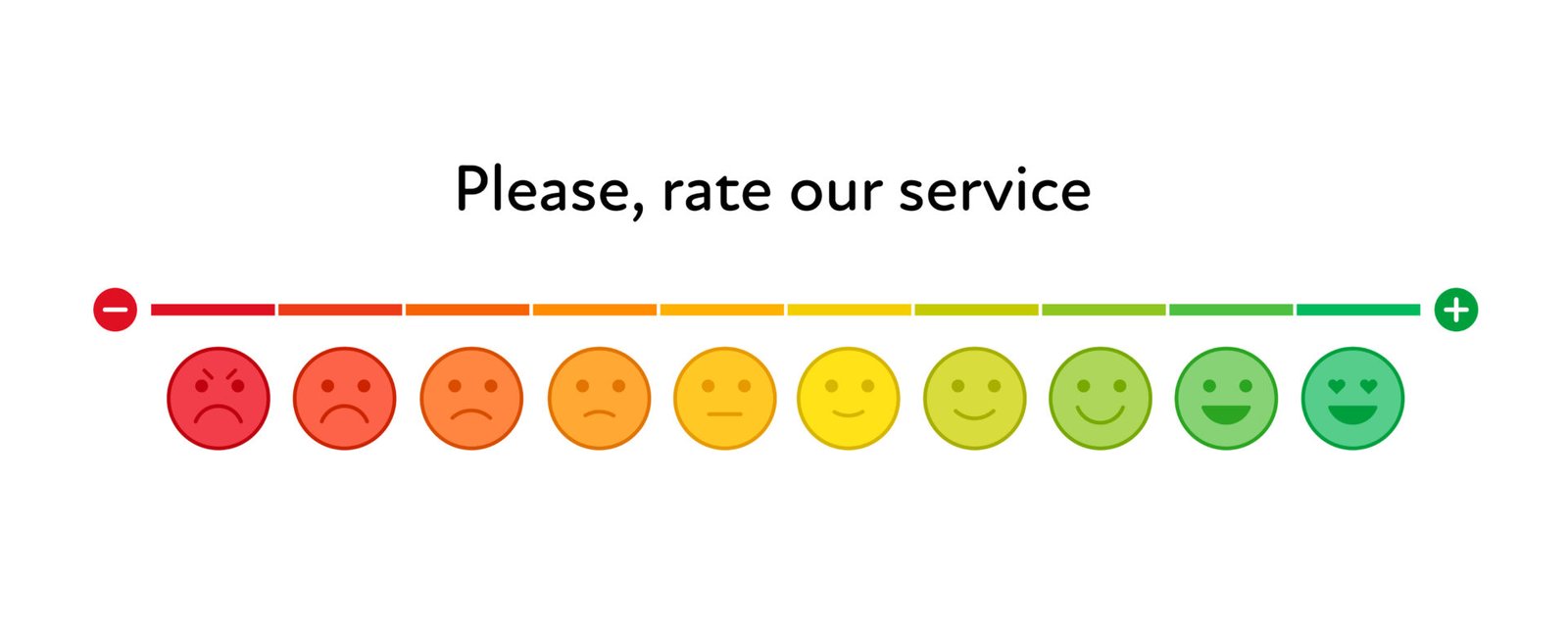
For my project, I designed an animated satisfaction scale that reimagines the typical “rate your experience” interaction. Instead of a static row of faces from bad to good, I created a fluid, motion-driven interface in After Effects that feels more engaging and playful. I began by building the vertical gradient bar to establish the emotional range through color. Then I designed the bubbles using gradient overlays so that as the main bubble slides along the scale, the colors smoothly morph into one another. To avoid a flat, mechanical look, I applied Gaussian blur and choke effects, followed by a wiggle path to introduce subtle, organic movement; making the bubbles feel alive rather than rigid UI elements.
For the submission sequence, I continued this visual language by adding blur, choke, and wiggle to the bubbles, along with curved motion paths that allow smaller surrounding bubbles to move in and out of the main bubble. This added depth and visual interest while reinforcing the selected state. I then imported vector face icons and aligned them with the corresponding color zones to clearly communicate emotional range. To simulate real interaction, I animated a cursor sliding the bubble back and forth before making a final selection, reinforcing usability and realism. Finally, I layered in sound effects that match the on-screen motion, finishing with a playful confirmation jingle to reward the user’s selection and create a satisfying end to the interaction.
References
Blazer, L. (2019). Animated Storytelling (2nd ed.). Peachpit Press.
No responses yet