If you’re exploring a career in design, or hiring someone who claims they “do UX/UI”, you’ve probably run into this question:
What’s the actual difference between UX and UI?
They’re often grouped together like they’re the same thing. They’re not. And understanding the difference is what separates thoughtful, effective design from something that just looks nice on the surface.
What is UX (User Experience)?
User Experience, or UX, is about how a product works and how it feels to use it.
It focuses on the overall journey someone takes when interacting with a website, app, or digital product.
UX designers think about questions like:
- Can users find what they need quickly?
- Does the process feel smooth or confusing?
- Are there unnecessary steps getting in the way?
- Does this actually solve the user’s problem?
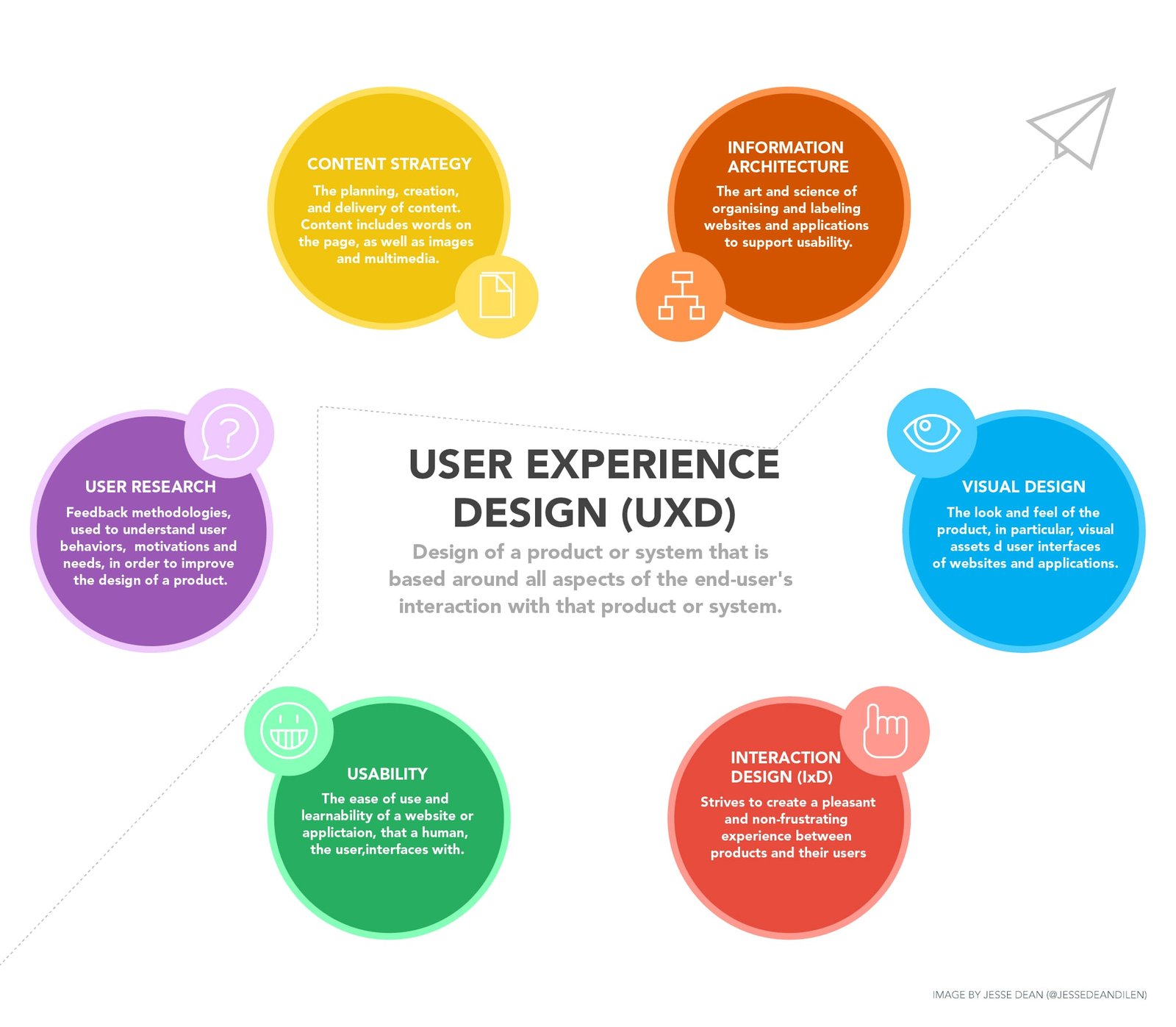
UX Designer Skills
UX designers focus on understanding users and shaping how a product works. To do this effectively, UX designers rely on:
- User research — Conducting interviews, surveys, and usability testing to understand user needs, behaviors, and pain points
- Data analysis — Turning research findings into insights that guide design decisions
- User flows & journey mapping — Mapping out how users move through a product from start to finish
- Information architecture — Organizing content in a way that feels intuitive and easy to navigate
- Wireframing (low-fidelity) — Creating simple layouts that focus on structure and functionality, not visual design
A simple way to think about it:
UX is the logic and structure behind the scenes.
It’s the reason a checkout process feels easy… or frustrating. It’s how a website is organized, how information is grouped, and how users move from one step to the next.
What is UI (User Interface)?
UI, or User Interface, is what users actually see and interact with.
It’s the visual side of design.
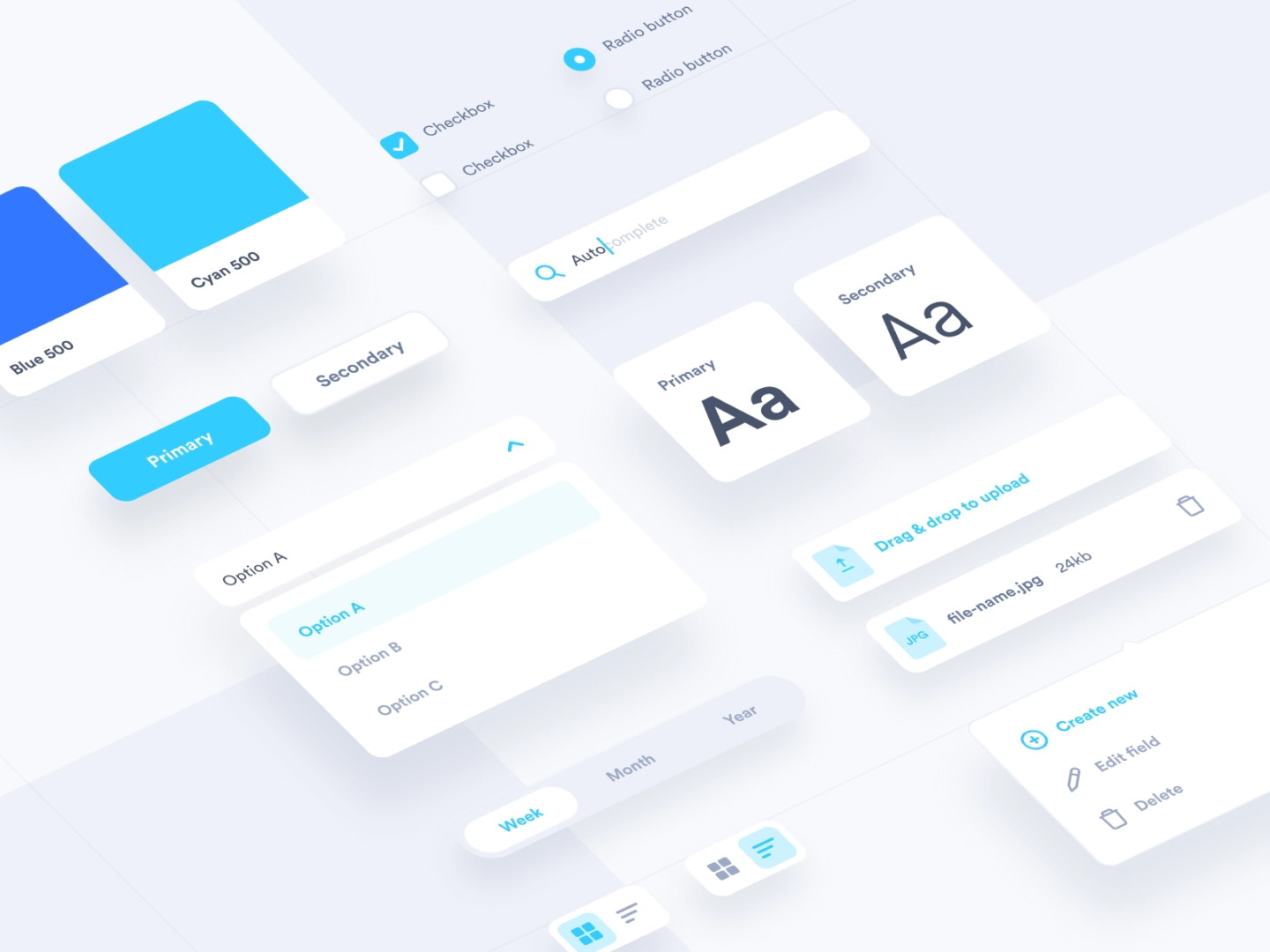
UI designers focus on:
- Layout and spacing
- Colors and typography
- Buttons, icons, and visuals
- Overall look and feel
UI Designer Skills
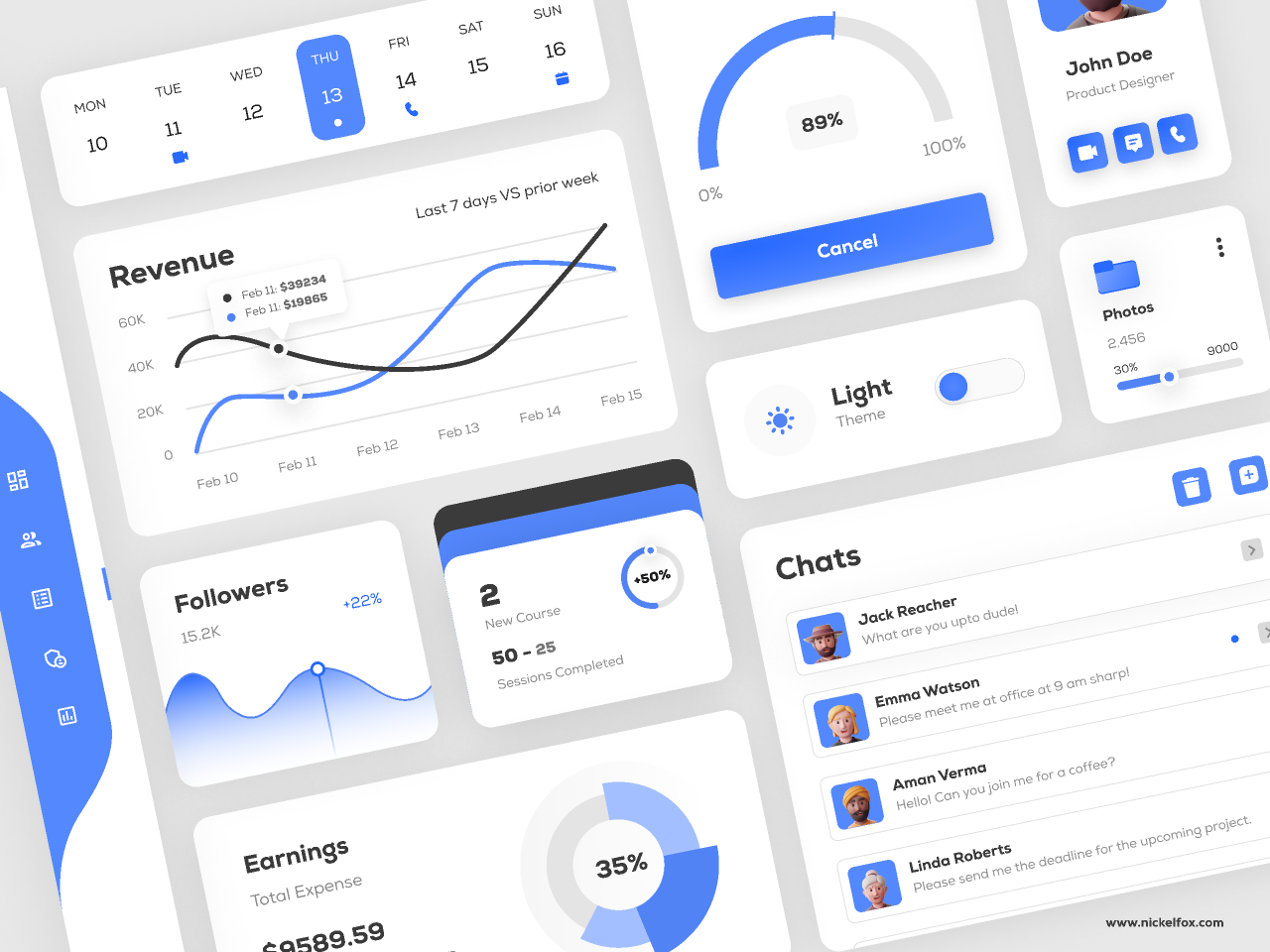
UI focuses on how the product looks and how users interact with it visually. To create polished and effective interfaces, UI designers use:
- Visual design — Applying color, typography, and spacing to create a cohesive and appealing interface
- Layout and composition — Structuring elements on a screen to guide attention and improve usability
- Wireframing (high-fidelity) — Designing detailed, realistic screens that reflect the final product
- Accessibility — Ensuring designs are readable and usable through proper contrast, sizing, and clarity
In simple terms:
UI is the presentation layer.
It’s about making the experience feel clear, consistent, and visually engaging, and what makes a product feel modern, clean, professional, or outdated and hard to trust.
The Easiest Way to Understand the Difference
Think of it like this:
UX = How it works | UI = How it looks
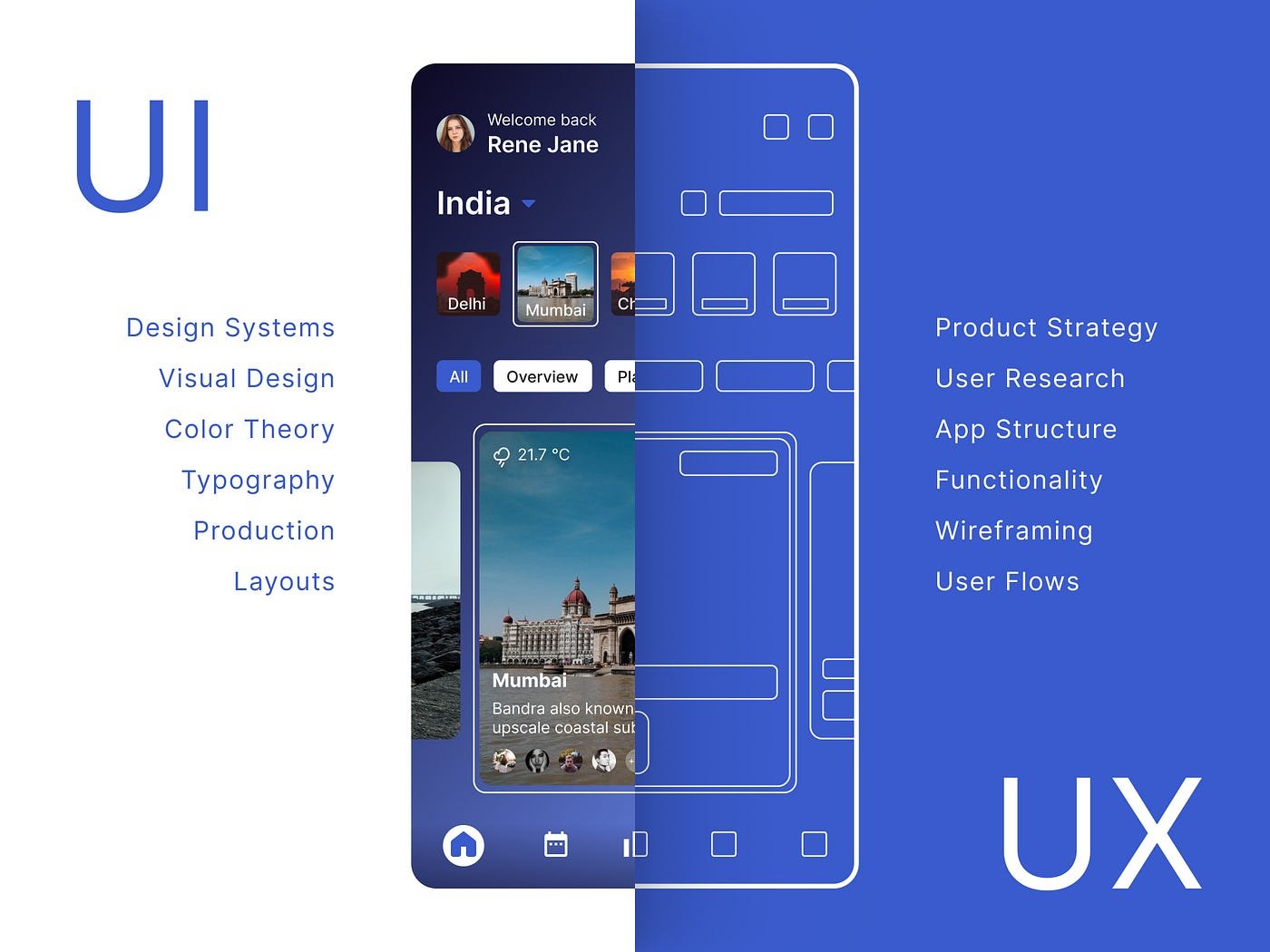
Or, if you prefer a real-world analogy:
UX is like the layout of a store: how easy it is to find what you need.
UI is how the store looks: lighting, signage, colors, and displays.
You need both. A beautiful store with a confusing layout is frustrating. A well-organized store that looks neglected doesn’t inspire confidence.
How UX and UI Work Together
Here’s where people often get it wrong: UX and UI are not separate steps; they’re connected.
A strong product needs both working together.
- UX decides what needs to happen
- UI determines how it’s presented
For example:
- UX defines the steps to sign up for an account
- UI designs the form, buttons, and visual flow
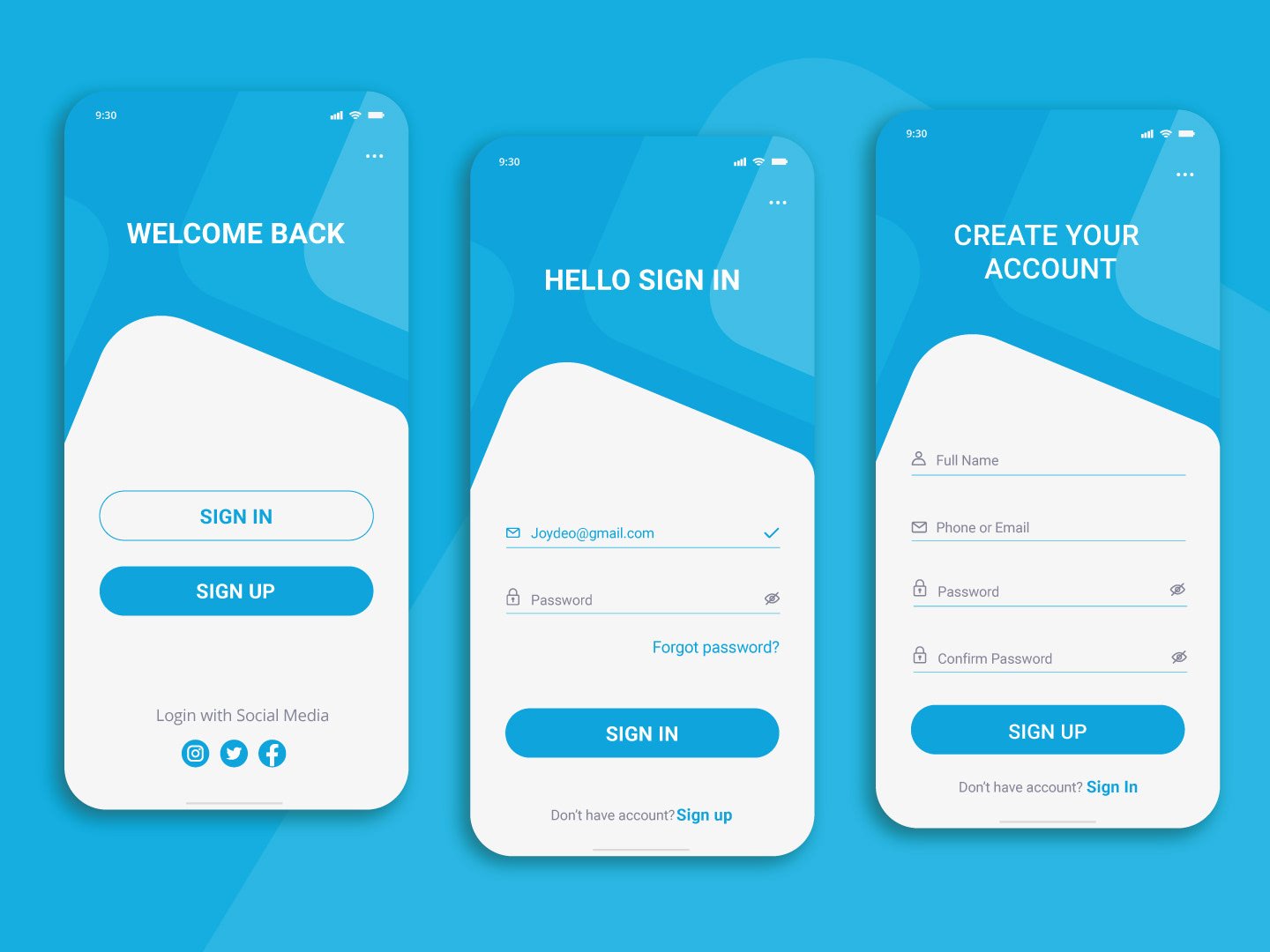
If UX is done well but UI isn’t, the product may work, but feel clunky or unpolished.
If UI looks great but UX is weak, users will get stuck or frustrated.
The goal is balance.
Real-World Examples
1. A Beautiful but Confusing App
You open an app and everything looks sleek and modern, but you can’t figure out how to complete a basic task.
That’s strong UI, weak UX.
2. A Simple but Effective Tool
You use a platform that isn’t visually exciting, but everything is exactly where you expect it to be.
That’s strong UX, basic UI.
3. A Seamless Experience
You don’t have to think. You just know what to do, and everything feels intuitive.
That’s UX and UI working together the way they should.
Common Misconceptions
“UX and UI are the same thing”
They’re related, but not interchangeable. Treating them as identical leads to gaps in the design process.
“UI is just making things look pretty”
Good UI is not decoration, it’s communication. It helps guide users, show what’s important, and make interactions clear.
“UX is just wireframes”
Wireframes are just one small part of UX. UX also includes research, testing, strategy, and understanding user behavior.
“One person can do both equally well”
Some designers can do both, and do it well. But they are different skill sets:
- UX leans more analytical and problem-solving
- UI leans more visual and detail-focused
The Bottom Line
UX and UI are different, but they depend on each other.
- UX makes sure a product is useful, usable, and logical
- UI makes sure it’s clear, engaging, and visually appealing
You don’t need to master both overnight. But you do need to understand both to create or evaluate great design.
Because at the end of the day, users don’t separate UX and UI.
They just know whether something works… or doesn’t.
How to Get Started (or Keep Growing) in UX/UI Design
If you’re interested in UX/UI, whether you’re just getting started or thinking about transitioning into the field, the good news is you don’t need to have it all figured out right away.
What matters more is understanding how to learn the right way.
Start with the fundamentals
Before jumping into tools or trendy visuals, focus on the basics:
- How users think and behave
- What makes something easy (or frustrating) to use
- How information is structured and organized
A strong foundation in UX thinking will take you much further than jumping straight into polished designs.
Practice by doing (not just watching)
It’s easy to fall into the trap of only watching tutorials. Real progress happens when you apply what you’re learning.
Start small:
- Redesign an app or website you already use
- Improve an existing user flow
- Create wireframes before jumping into visuals
You don’t need perfect projects… you need thoughtful ones.
Learn the tools, but don’t rely on them
Tools like Figma, Sketch, or Adobe XD are important, but they’re just that: tools.
They won’t make you a good designer on their own.
Focus on:
- Why are you making certain design decisions
- How your design solves a problem
- Whether your solution actually works for users
The thinking behind the design matters more than the tool used to create it.
Build a portfolio that shows your thinking
For hiring managers, your portfolio isn’t just about how things look; it’s about how you think.
Show:
- Your process (research, ideas, iterations)
- The problem you were solving
- Why did you make certain decisions
Even 2–3 strong case studies are more valuable than a portfolio full of surface-level work.
Stay curious and keep refining
UX/UI isn’t a field where you learn everything once and are done. Technology changes, user expectations evolve, and design patterns shift.
Pay attention to:
- Products you use every day
- What works well (and what doesn’t)
- How small details impact the experience
The more you notice, the better you design.
Final Thought
You don’t need to label yourself as “UX” or “UI” right away.
Start by understanding both. Over time, you’ll naturally lean toward the areas that match your strengths; whether that’s problem-solving, visual design, or a combination of both.
The goal isn’t just to design something that looks good.
It’s to design something that works and works well for the people using it.
Have you experienced a website that looks good but doesn’t function well? What was it, and what made it so difficult? Let me know in the comments.
No responses yet