If you’ve ever wondered how websites and apps go from a rough idea to something you can actually click, scroll, and use, tools play a huge role in that journey.
Whether you’re brand new to UX/UI design or already working in the field, understanding the right tools (and when to use them) can make your process smoother, faster, and way less frustrating.
Let’s walk through the most common types of tools designers use, what they do, and where they fit in the design process.
Wireframing Tools
The Blueprint Stage
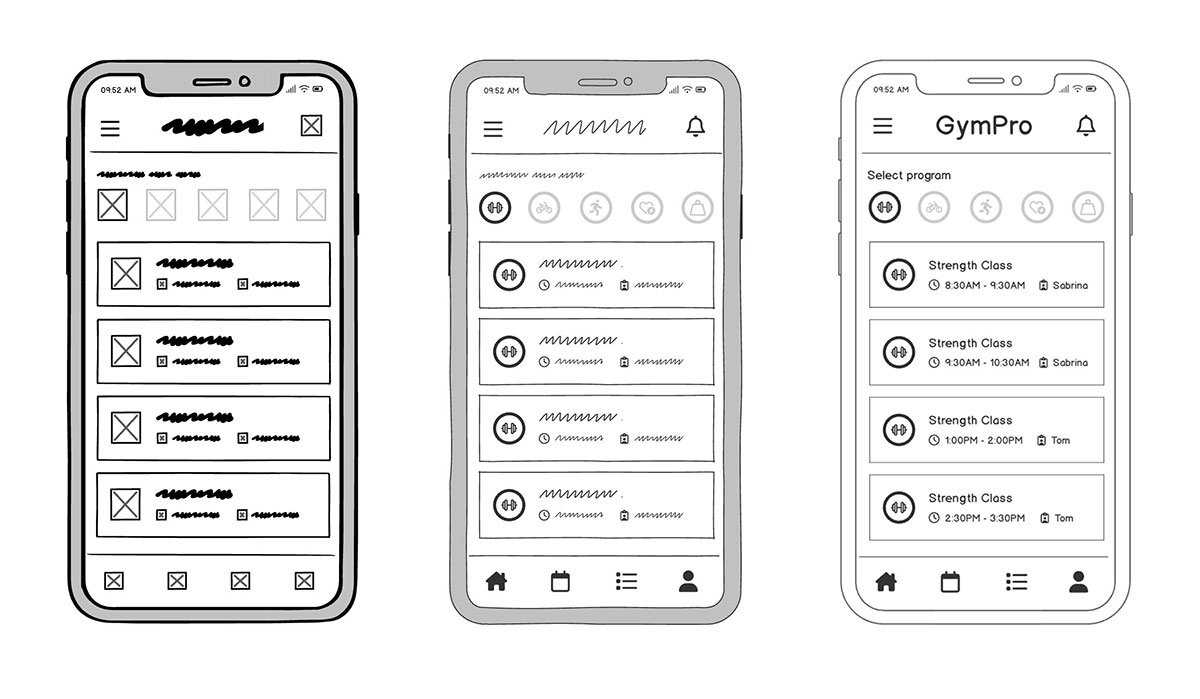
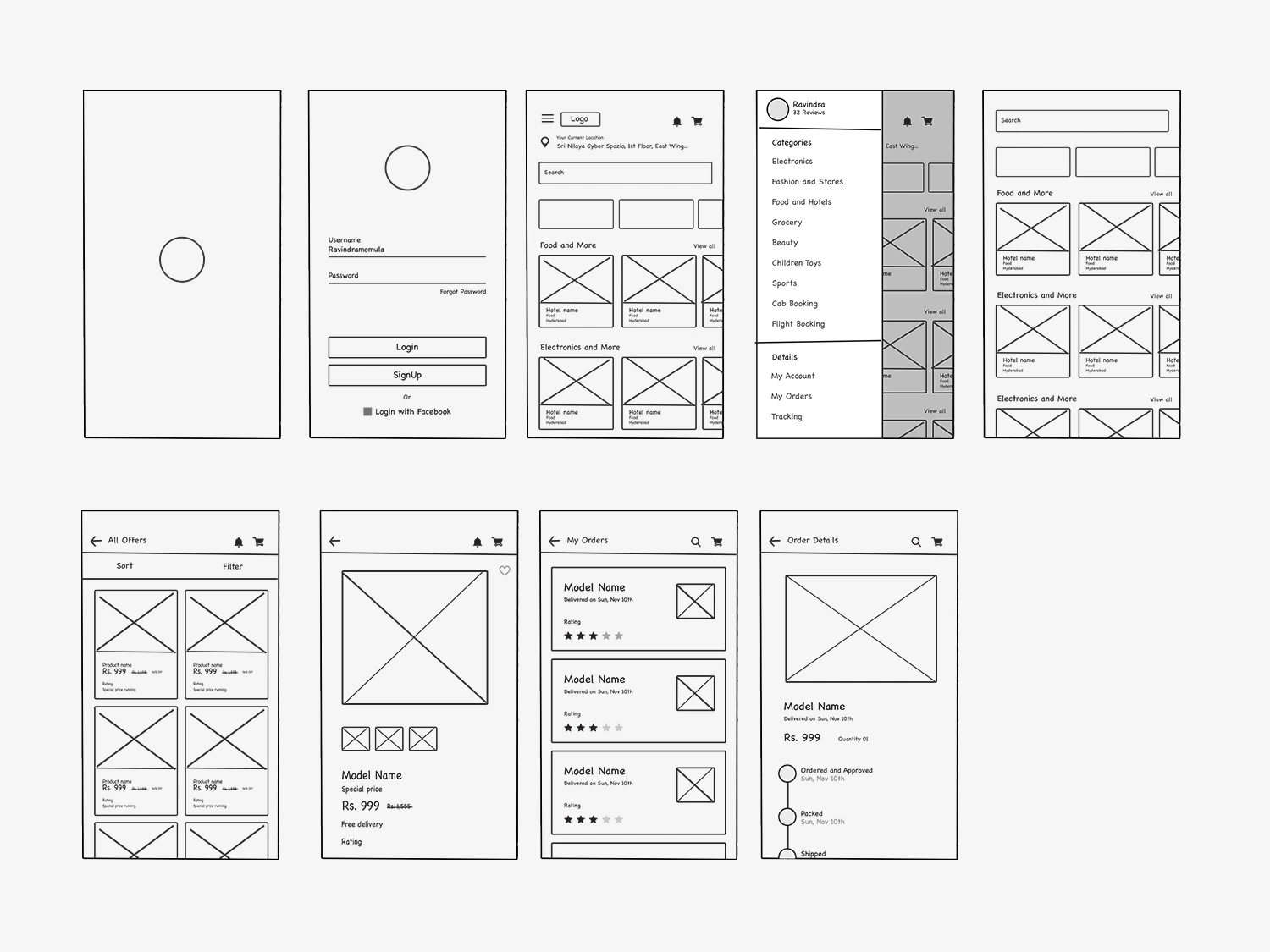
Before colors, fonts, and fancy animations come into play, designers start with wireframes. Think of these as the skeleton of a website or app.
Wireframing tools help you:

Sketch layouts quickly

Focus on structure, not style

Plan user flow
Popular tools:
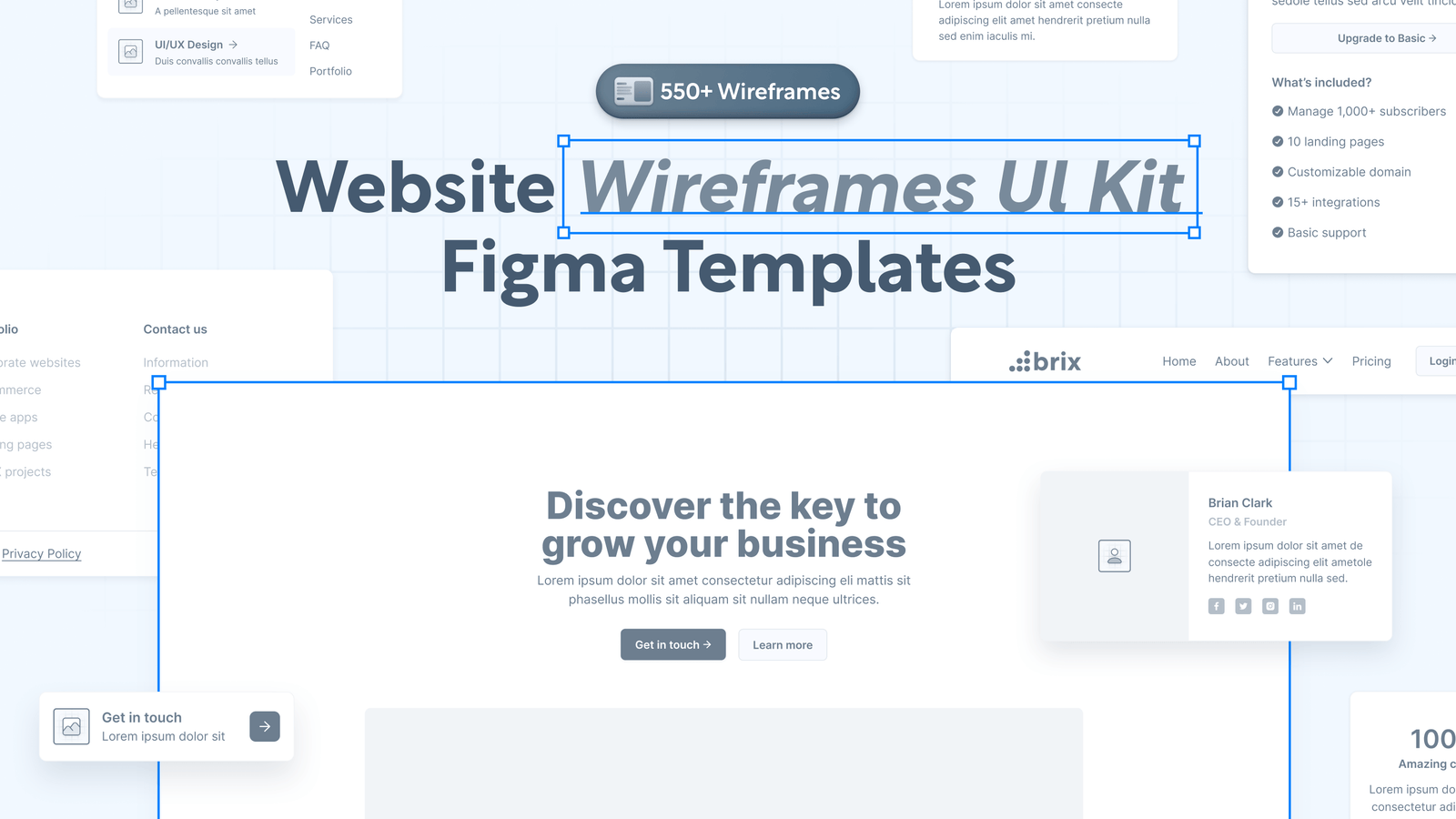

Figma is an all-in-one tool for wireframing, design, and prototyping. Its ready-made wireframe kits help you move quickly without starting from scratch, and it also supports real-time collaboration.

Balsamiq focuses on quick, low-fidelity wireframes with a sketch-like look. It helps you concentrate on layout and structure without getting distracted by visual details.

Sketch is a popular design tool for Mac users, known for clean layouts and strong plugins. It’s powerful for UI design but less built-in collaboration compared to newer tools.
Why this matters
Jumping straight into high-fidelity design without wireframes is like building a house without a blueprint. It might look okay at first… until things start falling apart.
Prototyping Tools
Bringing Ideas to Life
Once the layout is set, the next step is making it interactive. That’s where prototyping tools come in.
Prototyping tools allow you to:
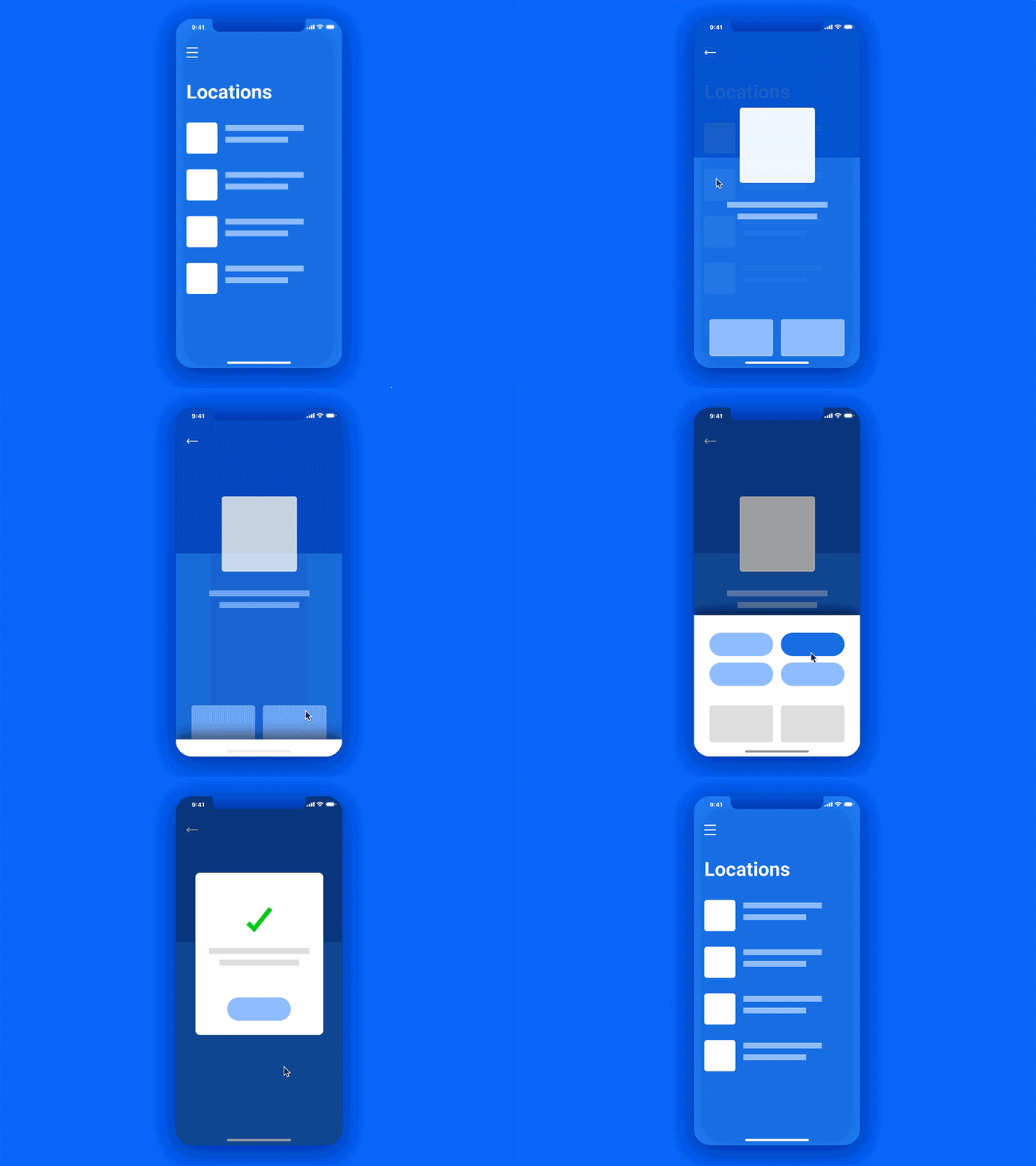
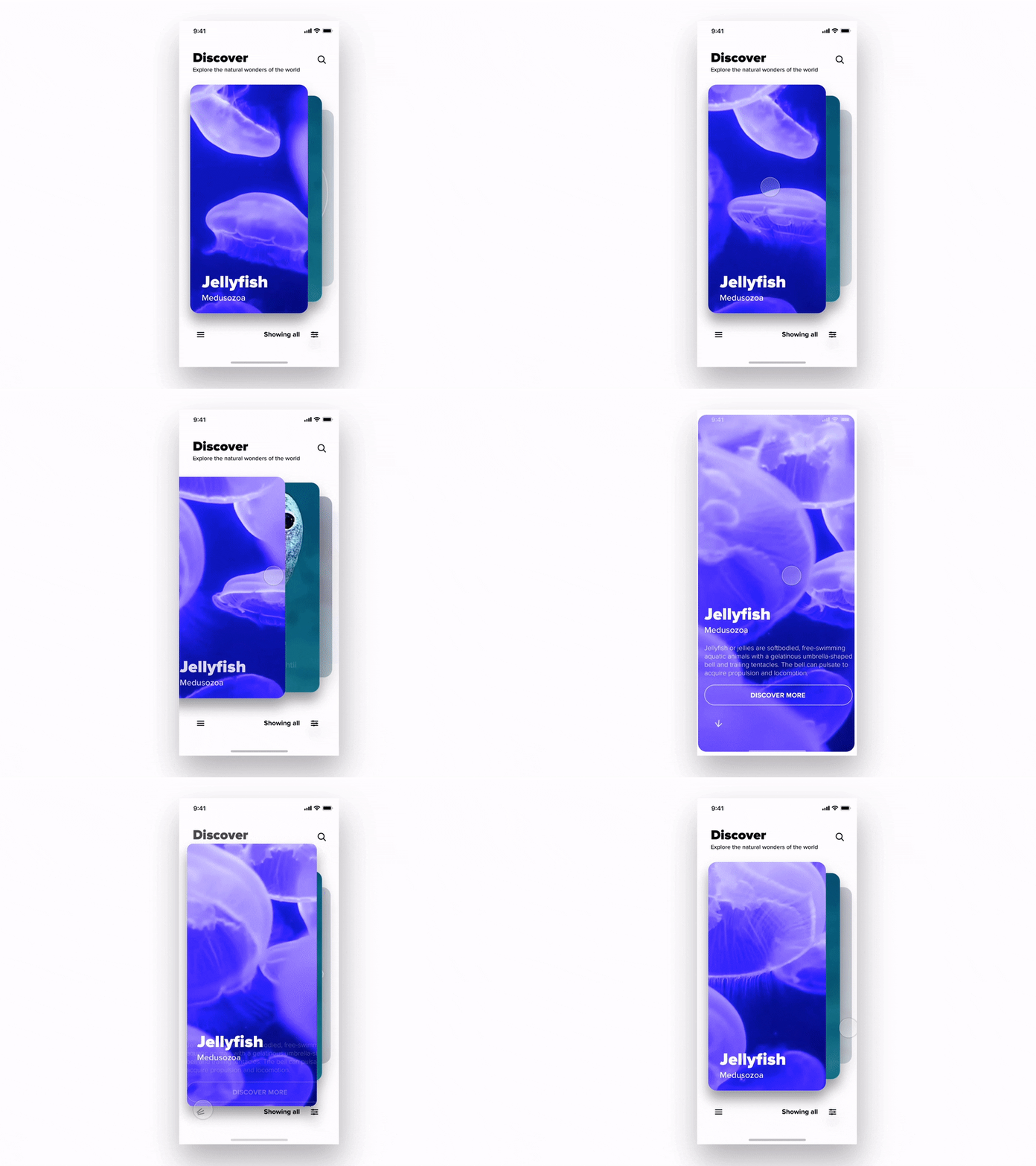
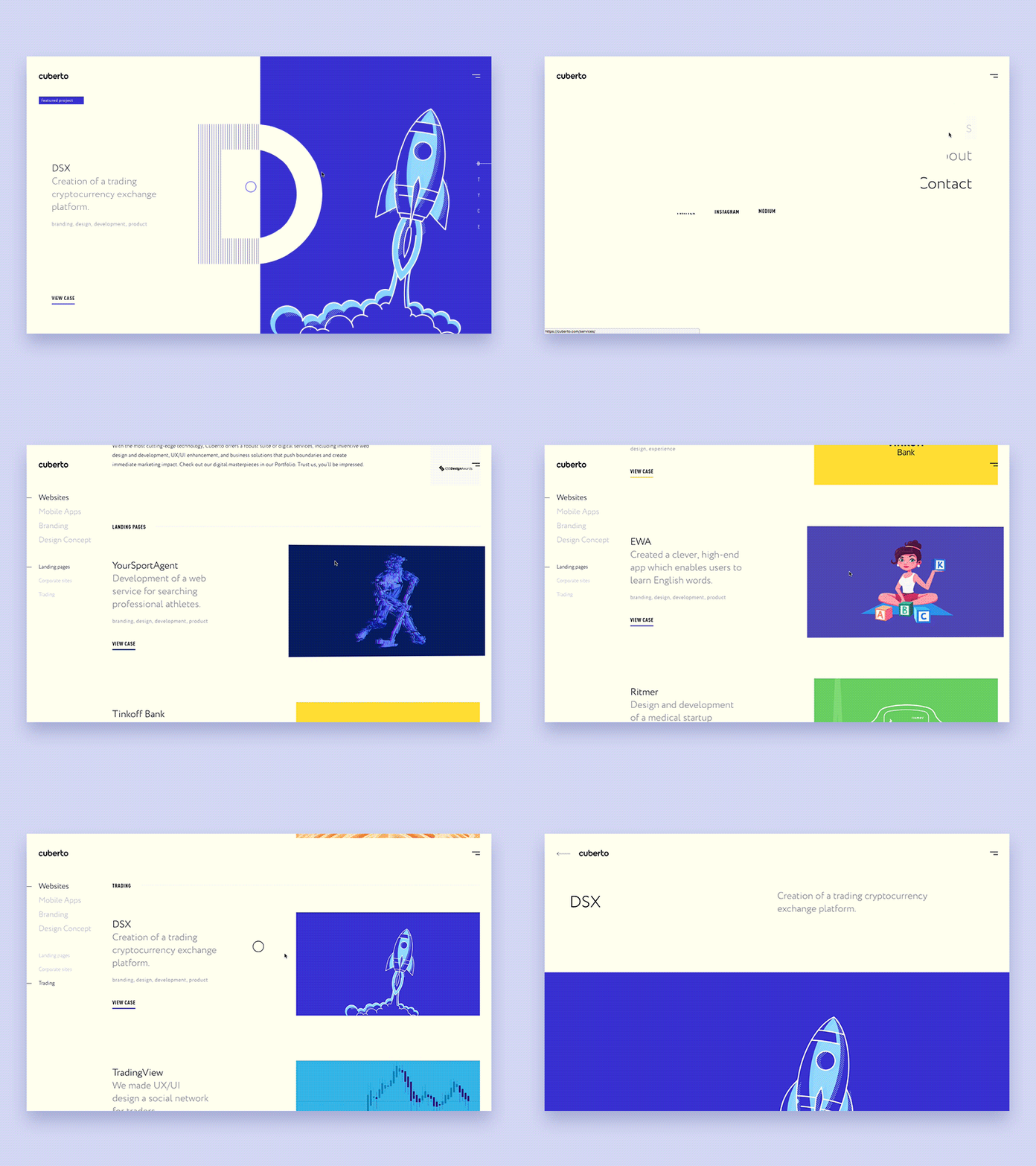
Popular tools:
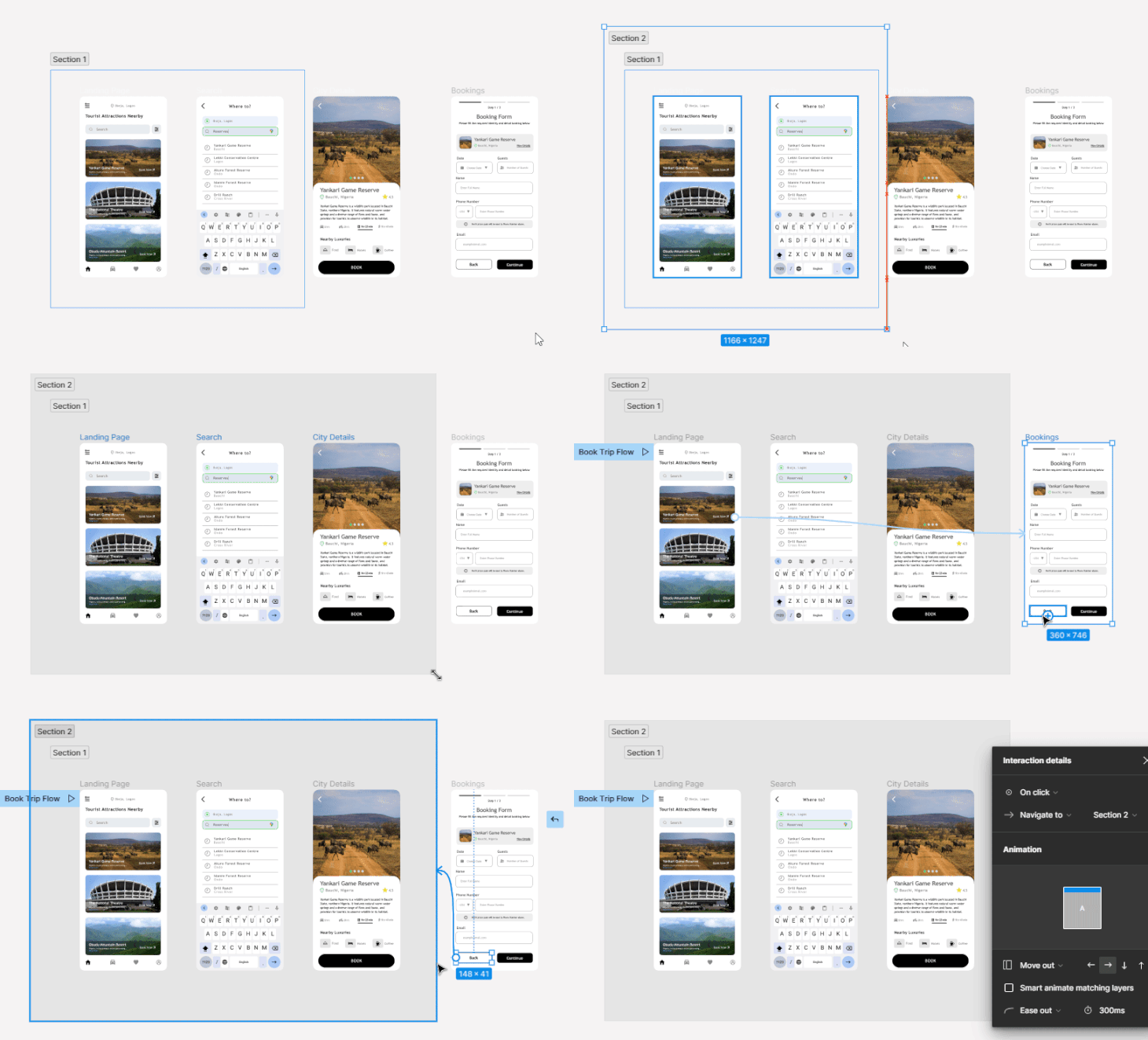
Figma makes prototyping simple by letting you turn static designs into clickable experiences. You can add interactions, transitions, and flows without leaving the same file, which keeps everything fast and organized.
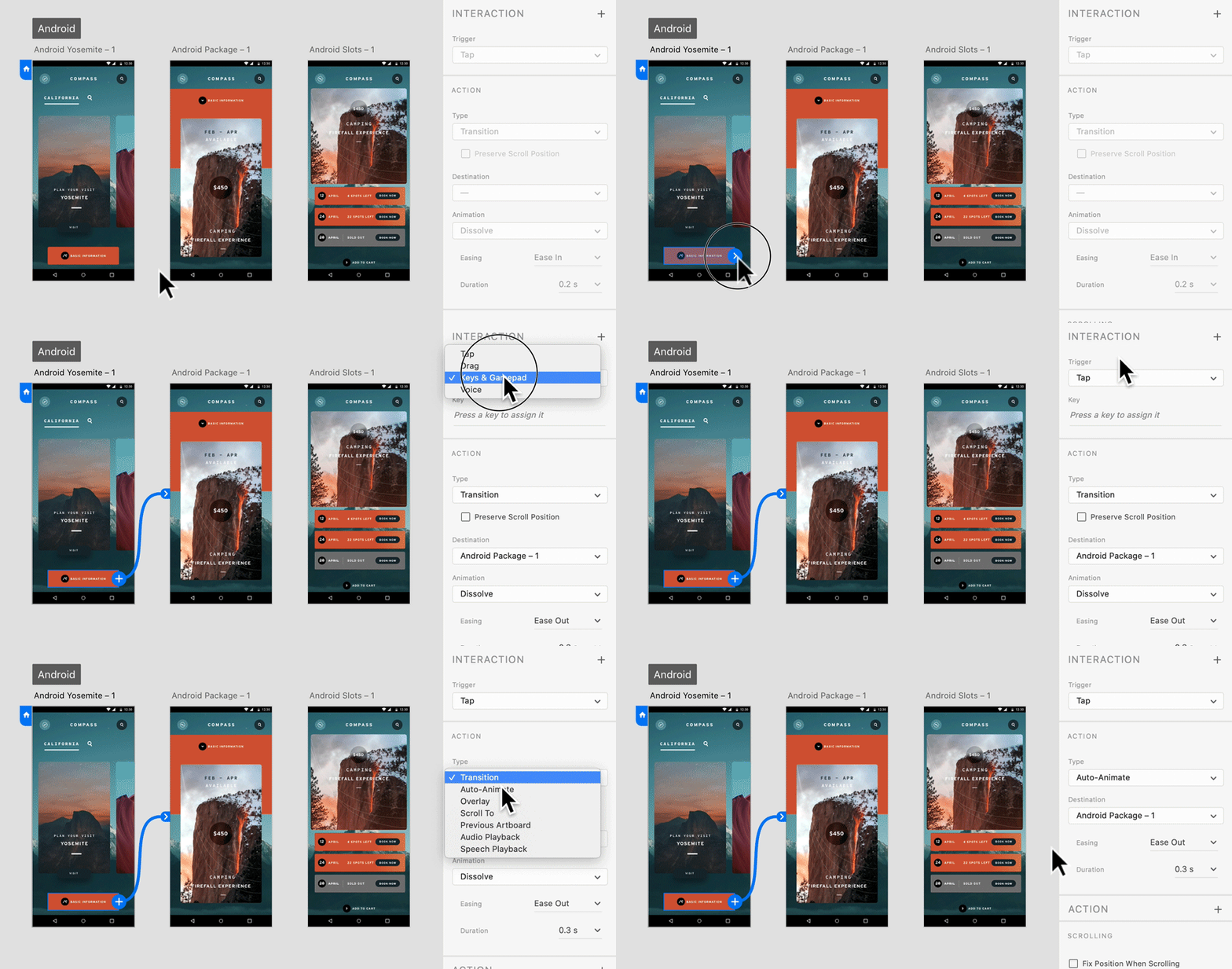
Adobe XD allows you to quickly create interactive prototypes with animations and transitions. It’s especially useful for showing user flows clearly, and it integrates well if you’re already using other Adobe tools.
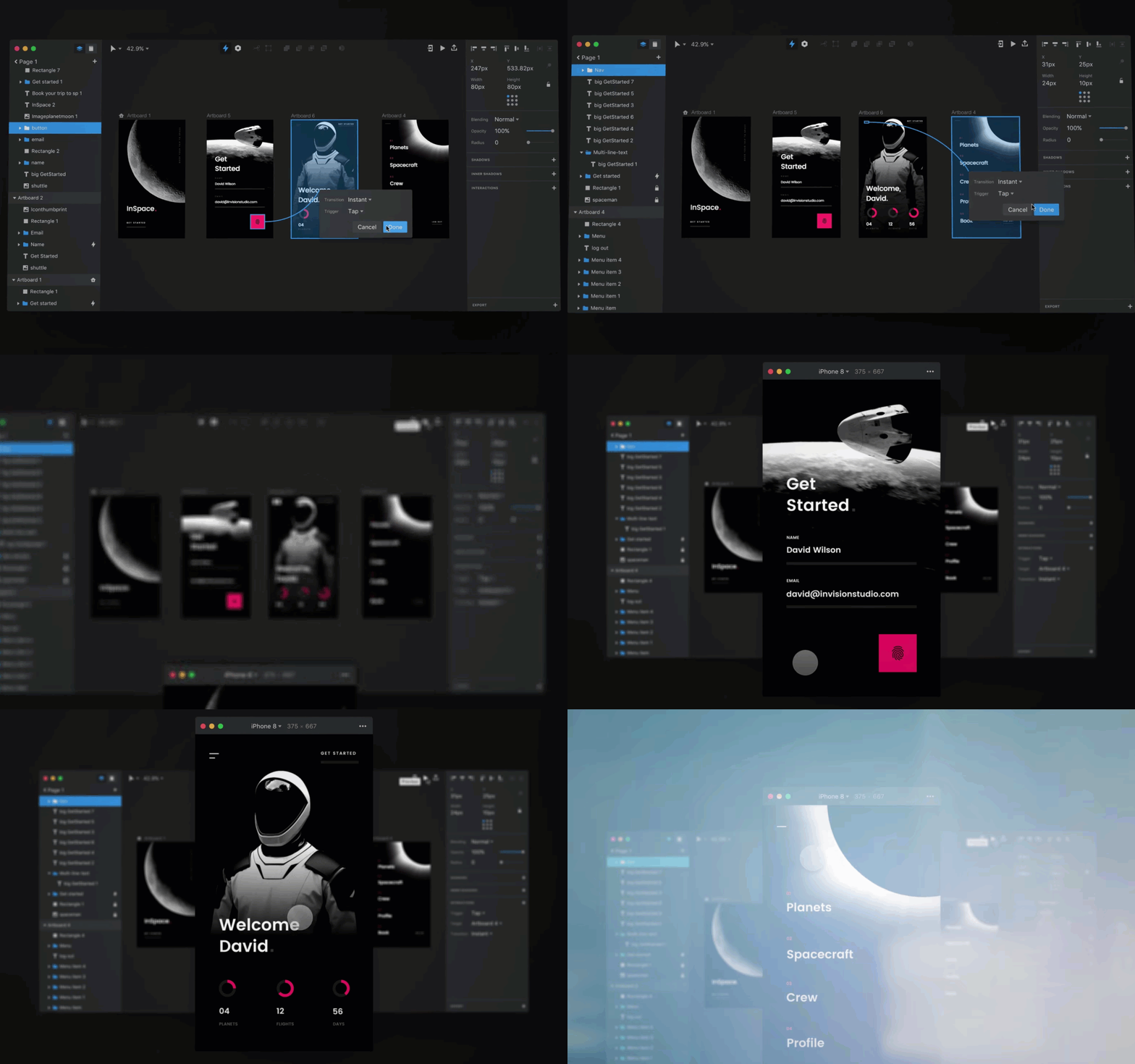

InVision is built specifically for prototyping, making it easy to turn static screens into clickable, interactive flows. It’s great for presenting ideas and gathering feedback, since teams and clients can comment directly on the prototype in one place.
Why this matters
A static design can only say so much. A prototype lets people experience the design, which helps catch problems early before developers spend time building the wrong thing.
Not sure which software is best for you?
Collaboration Tools
Designing as a Team
Design is rarely a solo effort… you’ll often work with developers, clients, project managers, and other designers. Collaboration tools make this easier by letting you share designs, gather feedback through comments, and work together in real time.
Popular tools
Figma
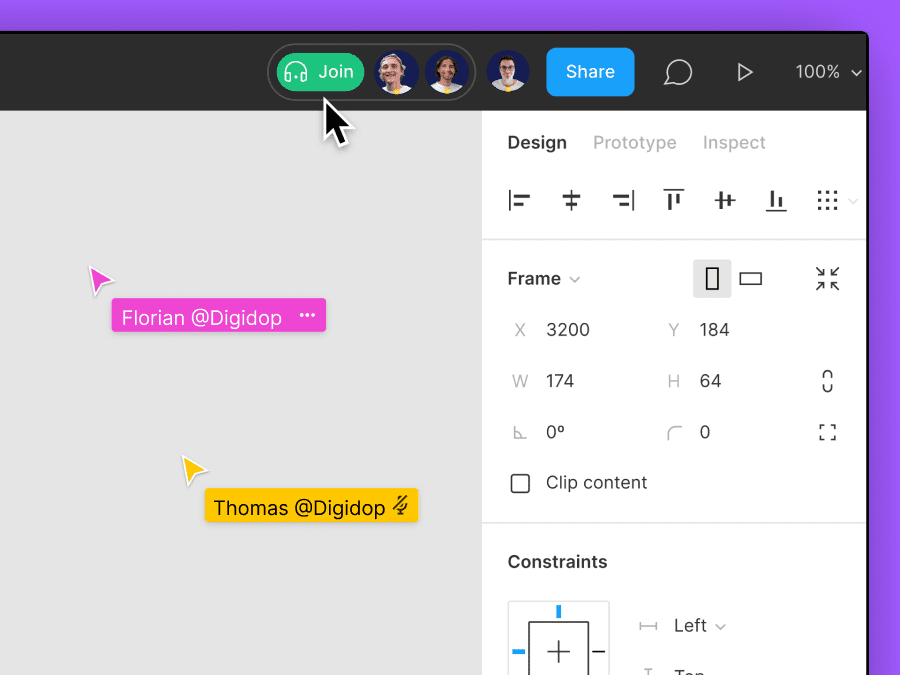
Figma makes collaboration seamless by allowing multiple people to work in the same file at the same time. Teams can leave comments, suggest changes, and stay aligned without switching between tools.
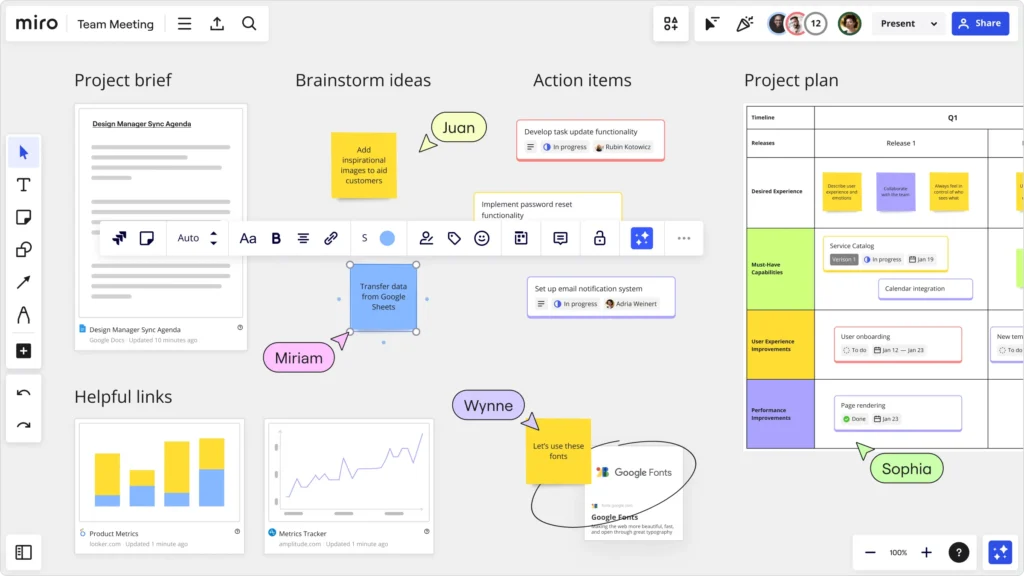
Miro
Miro is a digital whiteboard built for brainstorming and mapping ideas. It’s great for early-stage collaboration, letting teams organize thoughts, user flows, and concepts in a flexible, visual way.
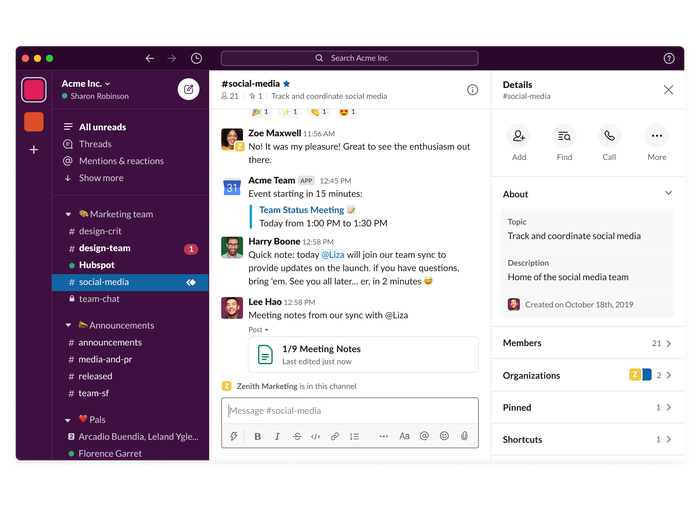
Slack
Slack keeps team communication organized with channels, messages, and quick updates. It’s useful for sharing feedback, asking questions, and staying connected throughout the design process.
Why this matters
Without good collaboration, projects slow down, feedback gets lost, and confusion takes over. These tools keep everyone on the same page… literally.
Management Tools
Keeping Projects on Track
Design requires strong organization, especially as deadlines, tasks, and revisions quickly pile up. Management tools help keep everything on track by allowing you to organize projects, track progress, and clearly communicate timelines and responsibilities.
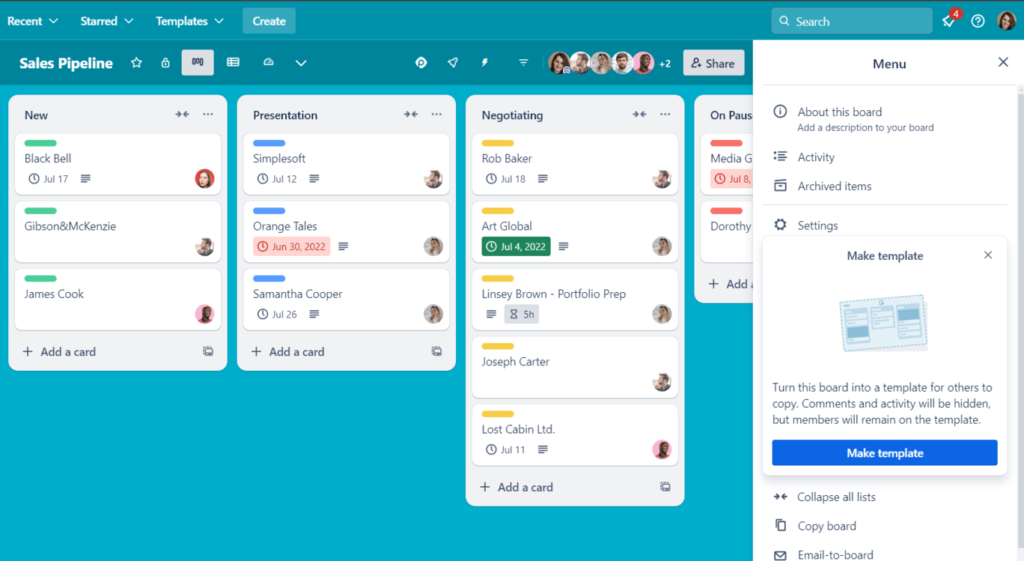
Trello
Trello uses a simple board-and-card system to organize tasks. It’s easy to use and great for visualizing progress with columns like “To Do,” “In Progress,” and “Done.”
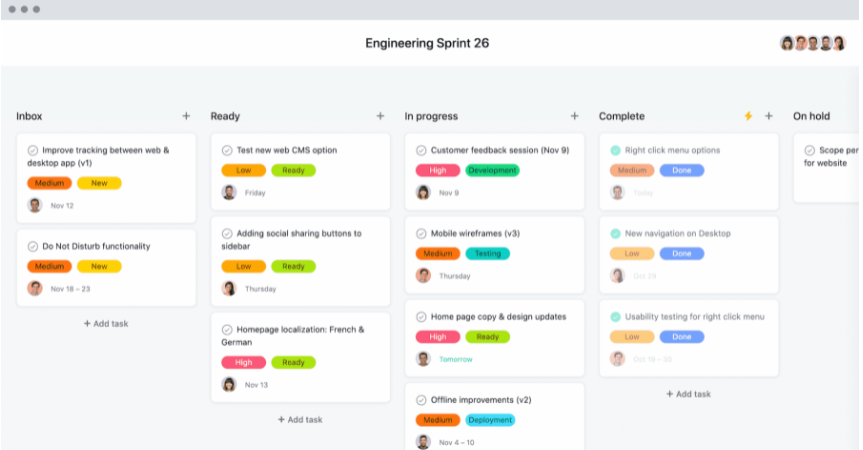
Asana
Asana helps teams plan and track work with task lists, timelines, and project views. It’s useful for managing more detailed projects with multiple steps and deadlines.
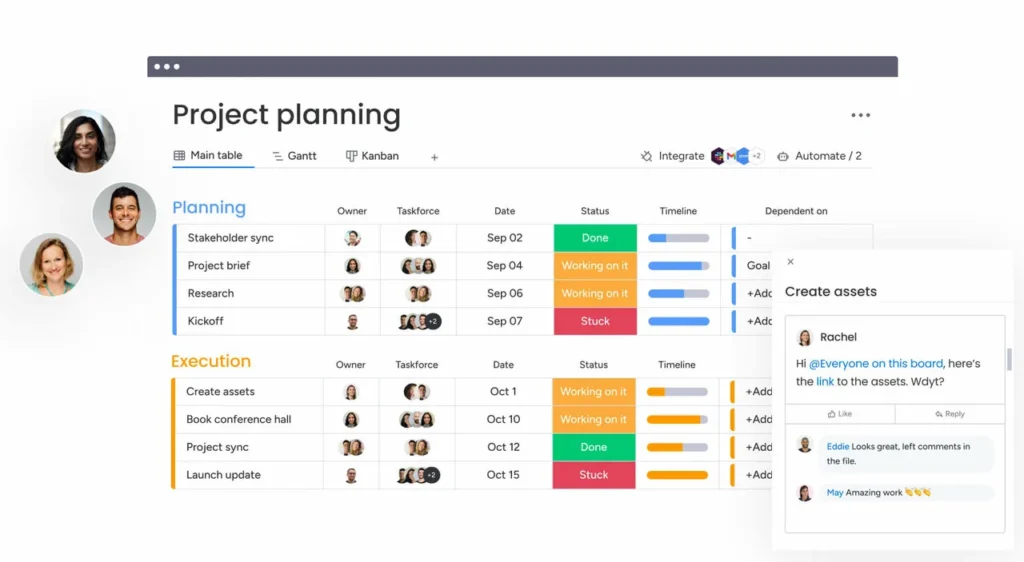
Monday.com
Monday.com offers a highly customizable way to manage projects, combining timelines, task tracking, and team collaboration in one place. It’s flexible and works well for teams with more complex workflows.
Why this matters
Even the best design ideas can fall apart if the project itself is chaotic. These tools bring structure to the process.
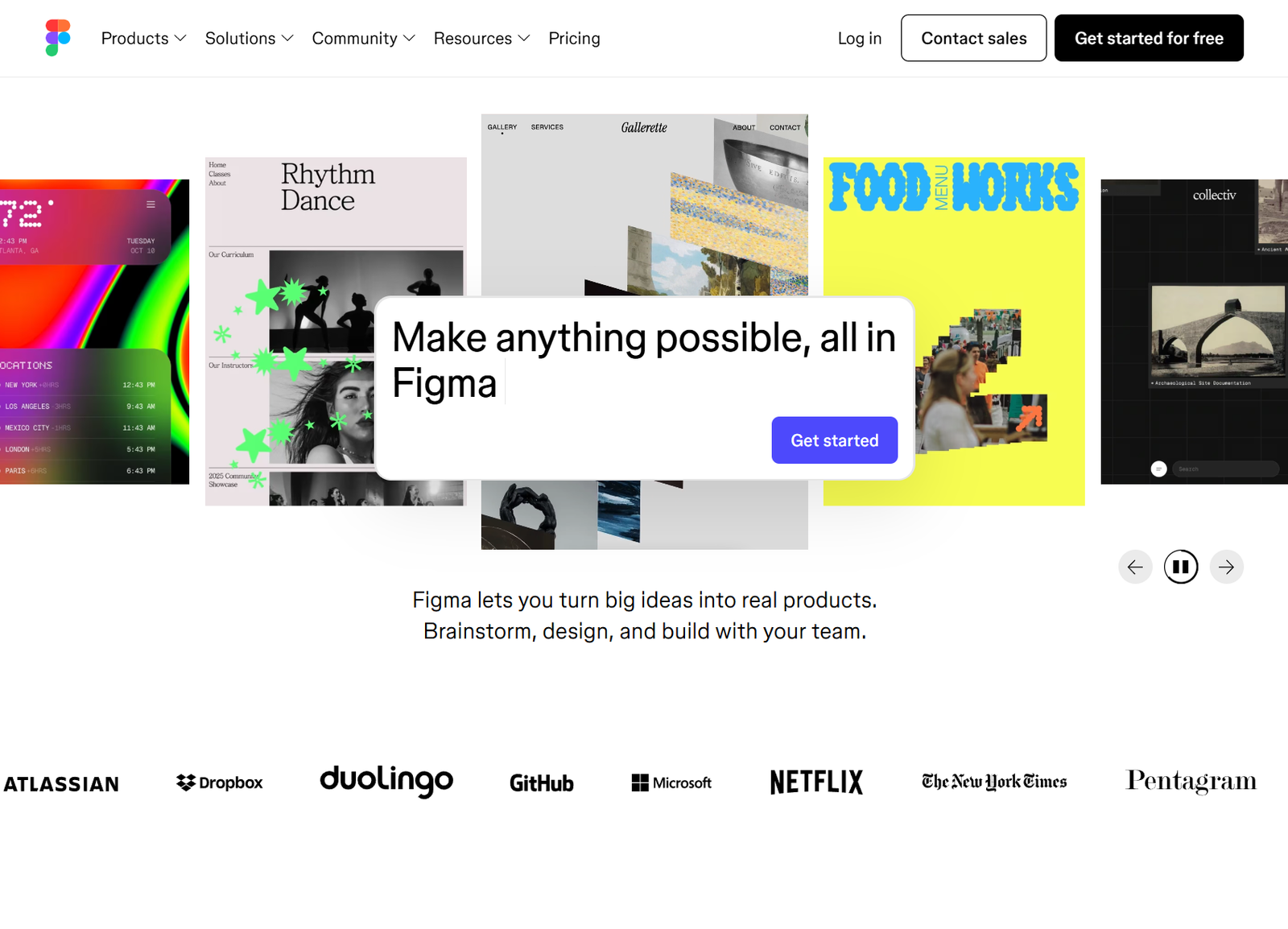
The Overall Pick: Figma
Final Thoughts
If you’re just starting out, it can feel like there are too many tools to learn. But you don’t need to master everything at once.
Start simple:
- Pick one wireframing/prototyping tool (Figma is a safe bet)
- Get comfortable with basic collaboration
- Add project management tools as your work grows
Over time, you’ll build your own workflow and your own preferences.
Which design tools are you most interested in learning right now?
Are you drawn to wireframing, prototyping, or something else entirely?
Drop your thoughts, you might be surprised how many designers are figuring this out right alongside you.
References
What is Wireframing? (n.d.). Figma. https://www.figma.com/resource-library/what-is-wireframing
Babich, N. (2025, April 22). How to create mobile app wireframes (in just 8 steps). Balsamiq. https://balsamiq.com/blog/mobile-app-wireframing-guide
Murtaza, A. (2021, March 5). Adobe XD vs Sketch vs Figma vs InVision. Creative Tim. https://www.creative-tim.com/blog/web-design/adobe-xd-vs-sketch-figma-invision
Krawczyk, B. (2025, May 12). Best design collaboration tools — and how to actually pick one that fits. LogRocket. https://blog.logrocket.com/ux-design/best-design-collaboration-tools/
Agrawal, V. (2024, November 7). Asana vs Trello vs Monday: 5 Critical Differences. Hevo. https://hevodata.com/learn/asana-vs-trello-vs-monday/
No responses yet