Let’s be honest, most of us have landed on a website that made us want to immediately hit the back button. Tiny text, weird colors, confusing menus… it’s frustrating. Now imagine dealing with that all the time because a site simply wasn’t designed with you in mind.
That’s where accessibility comes in.
What is Accessibility in Web Design?
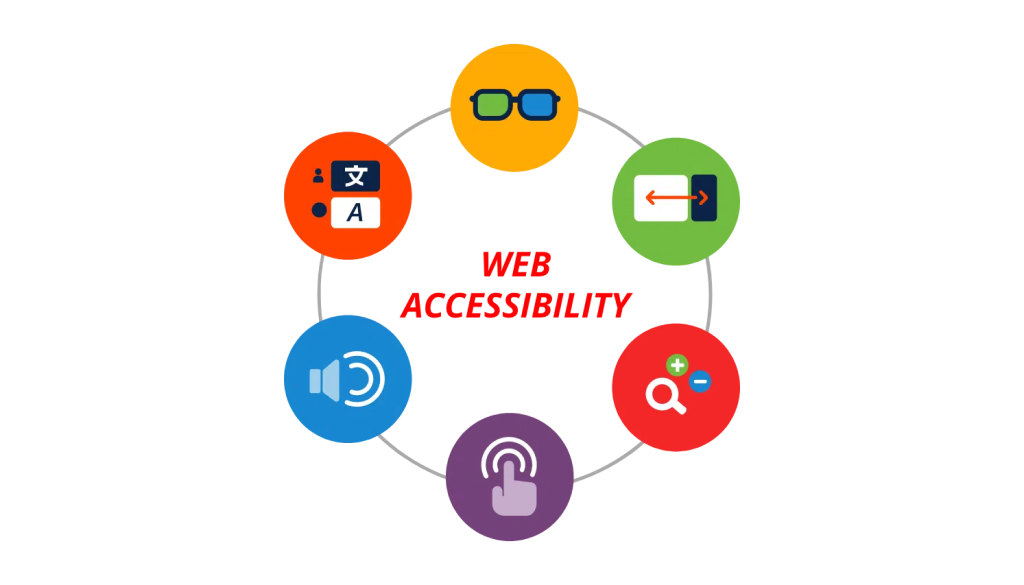
Accessibility means creating websites that everyone can use, regardless of their abilities or circumstances. That includes people with visual, auditory, motor, or cognitive challenges, but it also includes everyday situations, like trying to read your phone in bright sunlight or navigating a site with one hand while holding a coffee.
In other words, accessibility isn’t just about disability. It’s about usability for real life.
Accessibility in web design evolved alongside the internet itself. In the early days of the web, design was basic and mostly text-based, which ironically made many sites more accessible by default. As websites became more visual and complex in the late 1990s and early 2000s, accessibility started to take a hit. That led to the creation of standards like the Web Content Accessibility Guidelines (WCAG), which set clear expectations for making digital content usable for everyone. Today, accessibility is no longer an afterthought; it’s a core part of good design, backed by both ethical responsibility and, in many cases, legal requirements.
Why Accessibility Matters
If your website isn’t accessible, you’re excluding people.
But beyond that, accessible design:
And honestly? It just makes your site better.
Key Elements of Accessible Design
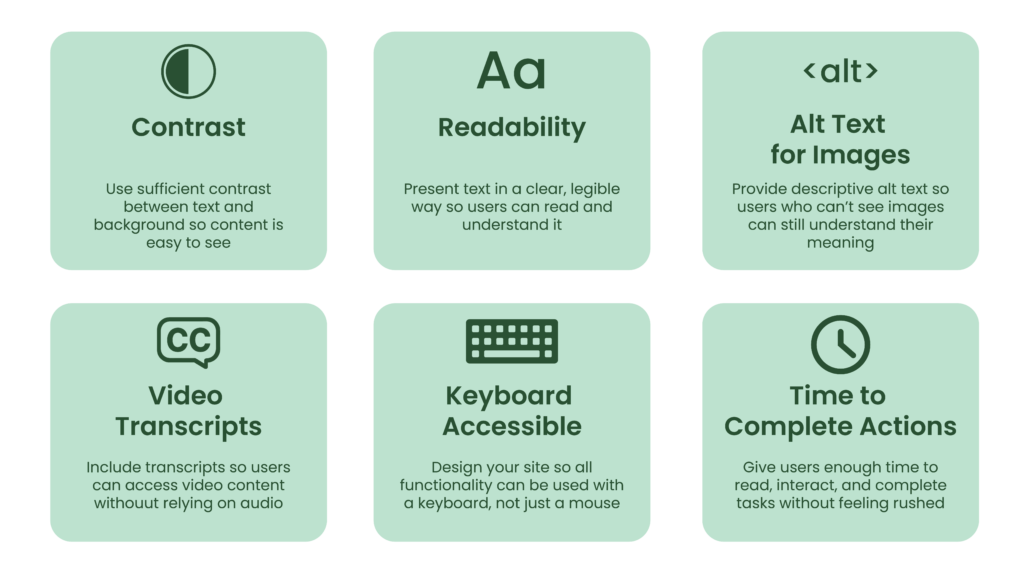
You don’t need to reinvent the wheel; you just need to design thoughtfully.
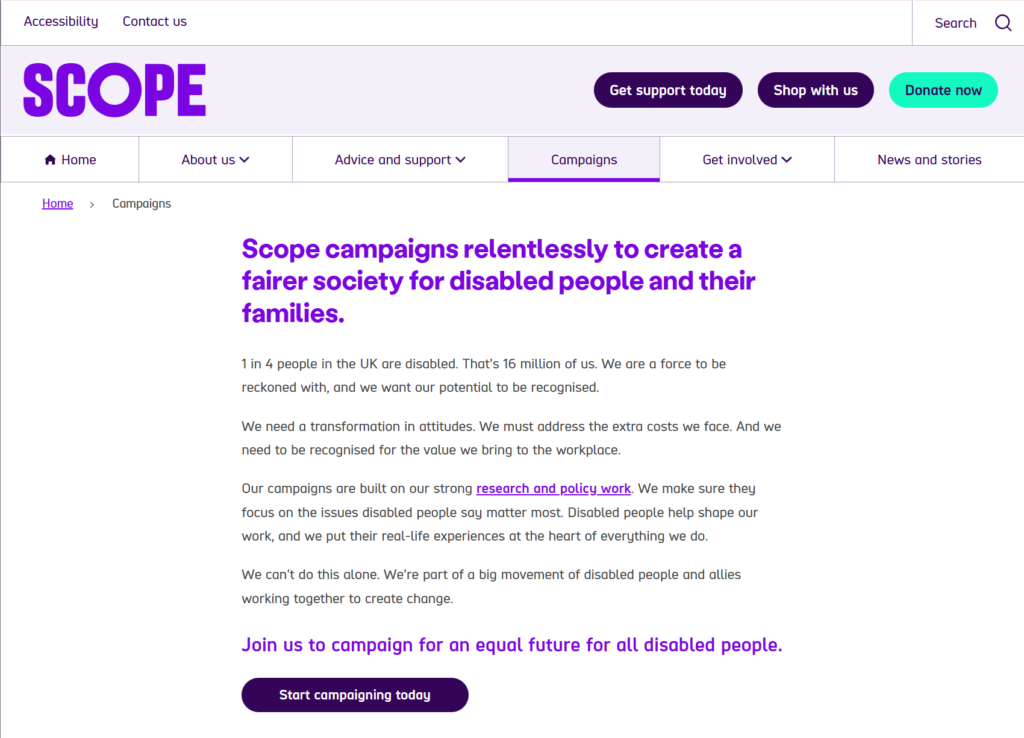
Accessible vs. Inaccessible Design
Accessible site: Scope
Inaccessible site: Craigslist
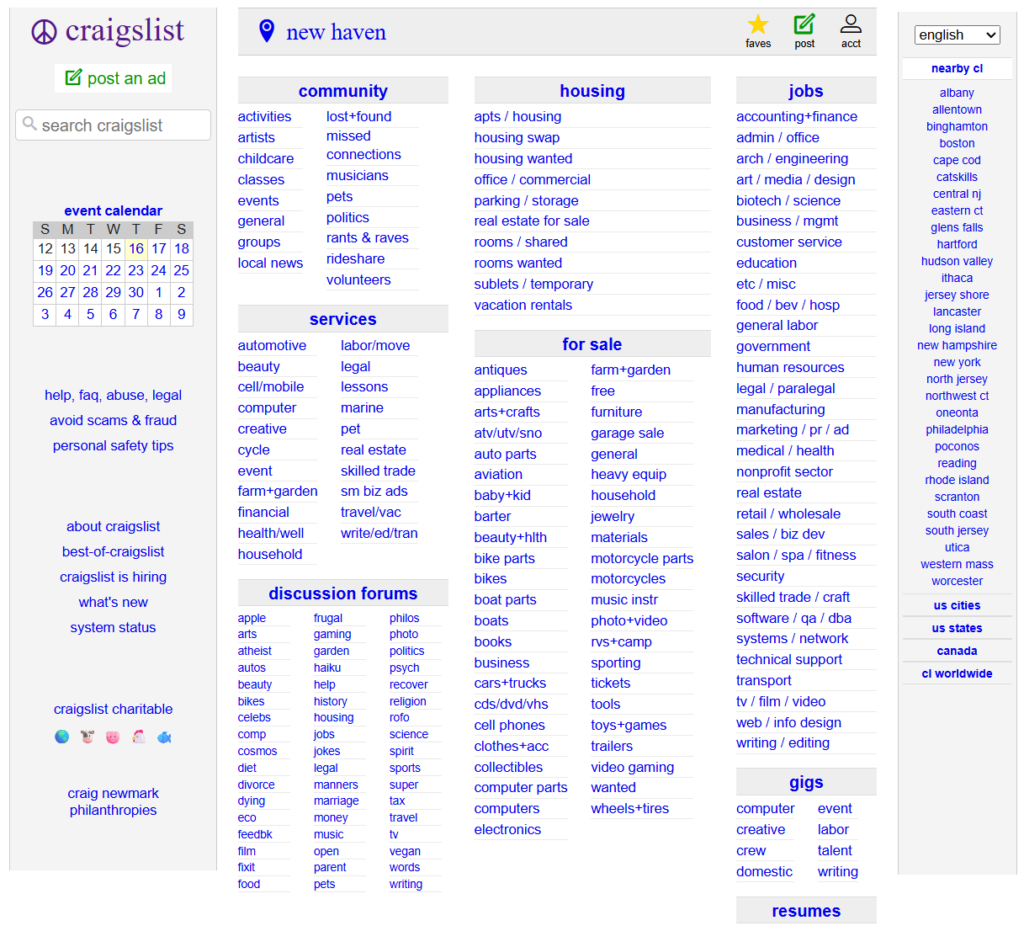
One feels effortless. The other feels like a chore.
Accessibility Checklist
Want something practical? Start here:
Small changes. Big impact.
If you’re looking to dive deeper, this study guide from Nielson Norman Group is a great place to start.
Final Thoughts
Accessibility is about designing with intention. When you build for inclusivity, you’re not limiting creativity… you’re expanding your reach.
And if a website works well for the widest range of people, it’s simply a better website.
Looking to dive deeper and test your knowledge? Check out this link: uxcel
Let’s Talk
Have you ever struggled to use a website because of its design? What made it frustrating and what would have made it better? Share your story in the comments
References
Au, E. (2024, December 6). TOP 5 COMMON ADA WEB ACCESSIBILITY VIOLATIONS. Ready Artwork. https://www.readyartwork.com/top-5-common-ada-web-accessibility-violations/
Color Accessibility. (2025, April 25). Uxcel. https://uxcel.com/lessons/accessible-colors-417#maintain-color-contrast-for-normal-sized-text-1261
DashClicks Team. (2023, March 31). Why Website Accessibility Is a Smart Business Move for Your Client’s SEO Strategy. dashClicks. https://www.dashclicks.com/blog/website-accessibility
Tomasis, R. (2025, September 26). Web accessibility best practices. Wix Blog: WEBSITE ESSENTIALS. https://www.wix.com/blog/website-accessibility-best-practices
Kohler, T. (2023, September 17). Accessibility and Inclusivity: Study guide. Nielsen Norman Group. https://www.nngroup.com/articles/accessibility-inclusivity-study-guide
No responses yet